Blog · Guides · Sep 18, 2026 · 4 min read
Seven prompt patterns for camera movement
Orbit, push-in, whip-pan, locked-off: seven camera moves for AI video, with the exact phrasing video models tend to follow and the mistakes to avoid.
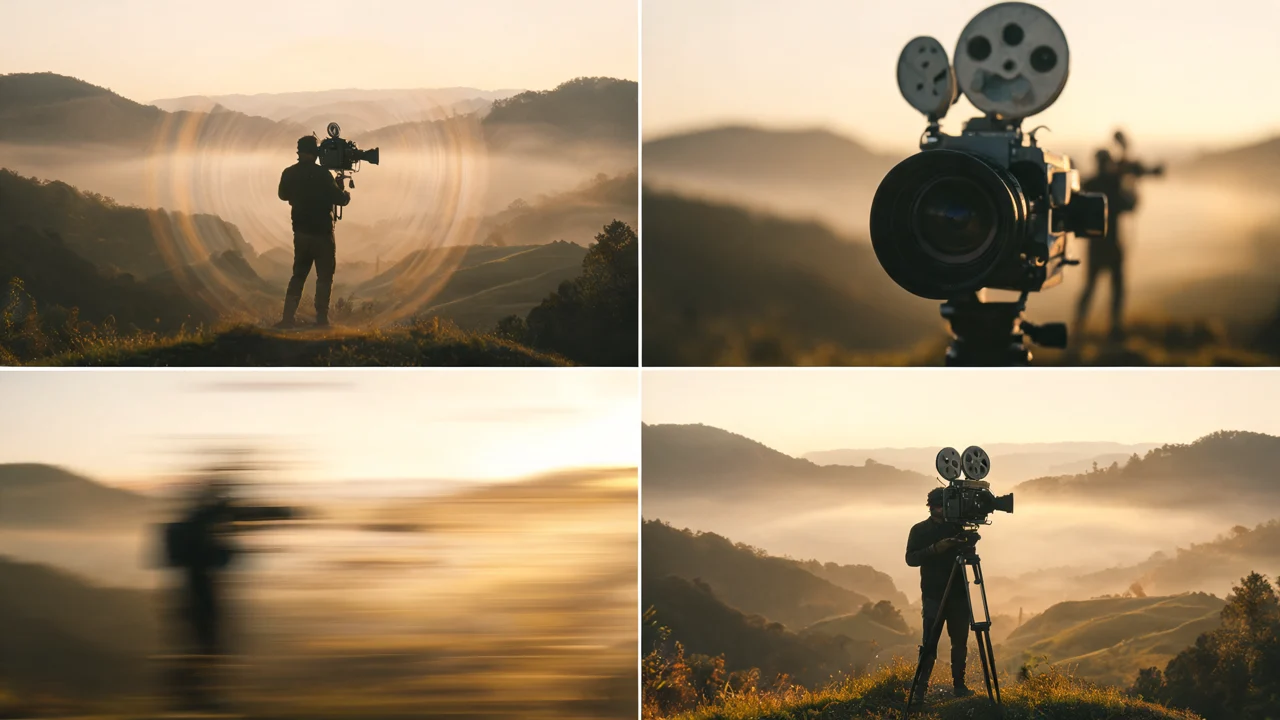
Camera movement is where many AI video prompts go wrong. Writers describe the scene in detail, add "cinematic camera" at the end, and leave the model to guess. Models respond much better to plain, specific instructions in film language: what the camera does, how fast, and where it ends up.
Here are seven patterns that cover most shots, with phrasing you can copy and adapt.
Before you start: three rules
- One camera move per shot. "Push in, then orbit, then crane up" in six seconds rarely works. If you need three moves, make three clips.
- Put the camera in its own sentence. Describe the subject's action first, then the camera: "He pours the coffee. Slow push-in toward the cup."
- Give a speed. "Slow," "steady" and "fast" change the result more than most adjectives do.
1. Locked-off
The camera doesn't move at all. This is the most underrated pattern, because it gives all the motion budget to the subject and is the easiest way to keep a face stable.
Phrasing: "Static shot, camera locked off on a tripod. No camera movement."
Use it for: talking shots, reactions, dance clips, anything where the person matters more than the space. Say "no camera movement" explicitly, because some models add drift by default.
2. Slow push-in
The camera moves steadily toward the subject. It adds tension or intimacy without changing the composition much.
Phrasing: "Slow push-in from a medium shot to a close-up on her face."
Naming the start and end framing ("from a medium shot to a close-up") gives the model a clear target. Without the end point, push-ins sometimes stop halfway or overshoot into an awkward crop.
3. Pull-back reveal
The opposite: start close and move away to show where the subject is.
Phrasing: "Start on a close-up of his hands on the steering wheel. Camera pulls back slowly to reveal the whole car on an empty road at dusk."
Reveals work best when the start frame is tight. If you're working from a photo, the photo should be the close-up, and the prompt describes what appears as the camera pulls away.
4. Orbit
The camera circles around the subject while staying pointed at it. It works well for products, outfits and hero moments.
Phrasing: "Camera orbits slowly around the subject, a half circle from left to right, keeping her centered in frame."
Say how far the orbit goes. "Half circle" or "quarter turn" is easier to follow than "orbits around," which can turn into a fast spin. For products, add "the label stays sharp and readable."
5. Tracking shot
The camera moves alongside or behind a moving subject at the same speed.
Phrasing: "Tracking shot. The camera follows behind her at shoulder height as she walks down the corridor, keeping the same distance."
"Keeping the same distance" is the important part. Without it, the subject often walks away from the camera or the camera catches up and passes them.
6. Whip-pan
A very fast horizontal pan that blurs the frame. It's often used as a transition between two moments.
Phrasing: "He looks to the left. Fast whip-pan to the left with motion blur, landing on the open doorway."
Always say where the pan lands. A whip-pan with no destination tends to blur into nothing and come back to the same shot.
7. Crane or tilt up
The camera rises or tilts upward, often to end a scene or show scale.
Phrasing: "Camera cranes up slowly from street level to a high angle, looking down on the crowd." For a tilt from a fixed point: "Camera tilts up from her shoes to her face."
Tilts are easier than cranes for most models, because the camera position stays the same. If a crane shot keeps breaking, try the tilt version first.
Putting a pattern into a full prompt
A complete prompt usually has four parts, in this order:
- Subject and action, as beats: "She stands at the window. She turns to face the camera and smiles."
- Camera: "Slow push-in from a medium shot to a close-up."
- Light and setting: "Soft morning light, plain white room."
- What stays the same: "Her face, hair and clothes stay unchanged."
Keep it short. If the camera line is buried in the middle of a long description, it's more likely to be ignored.
Common mistakes
- Conflicting instructions. "Static shot" plus "camera follows her" will give you one or the other at random.
- Asking for a move the duration can't hold. A full 360-degree orbit in four seconds will look rushed. Ask for a half circle, or choose a longer clip.
- Moving camera, moving subject, moving background. If everything moves, faces drift. Lock one of the three.
Testing your phrasing
Camera prompts are cheap to test at low resolution. Run the same prompt twice on a draft model such as Tanvo Video v1 or MiniMax H3, and if the move comes out the same both times, your phrasing is clear enough to take to a higher-quality model. If it comes out differently each time, the prompt is still ambiguous. Usually the fix is a speed, a start and end framing, or a destination.
You can try all seven patterns on any model from the video page.