Blog · Trends · Oct 6, 2026 · 3 min read
Multiaverso AI filter: six versions of you from other universes
How to do the Multiaverso filter on Tanvo from one selfie, what each of the six universes does, and how to keep the same face across the whole carousel.
What the trend is
Multiaverso, also written Multiverso, is the filter trend that asks what you would look like in another universe. It started in Latin American and Brazilian CapCut edits and spread as carousels: the original selfie first, then the glow-up, the blonde version, the 1970s version, the kid version, the cartoon version and the very old version.
The Multiaverso AI Filter app on Tanvo has all six universes written. You don't need CapCut: upload one selfie, pick a version, and download each one. You can still put them together in CapCut afterwards, or post them as a carousel.
Why it works
The whole trend depends on friends recognizing you in every slide. So each version keeps your face shape, eyes, nose, smile, skin tone and any freckles, and changes everything else: hair, clothes, era, place. The age versions keep the same features at another age.
The looks
There are six universes:
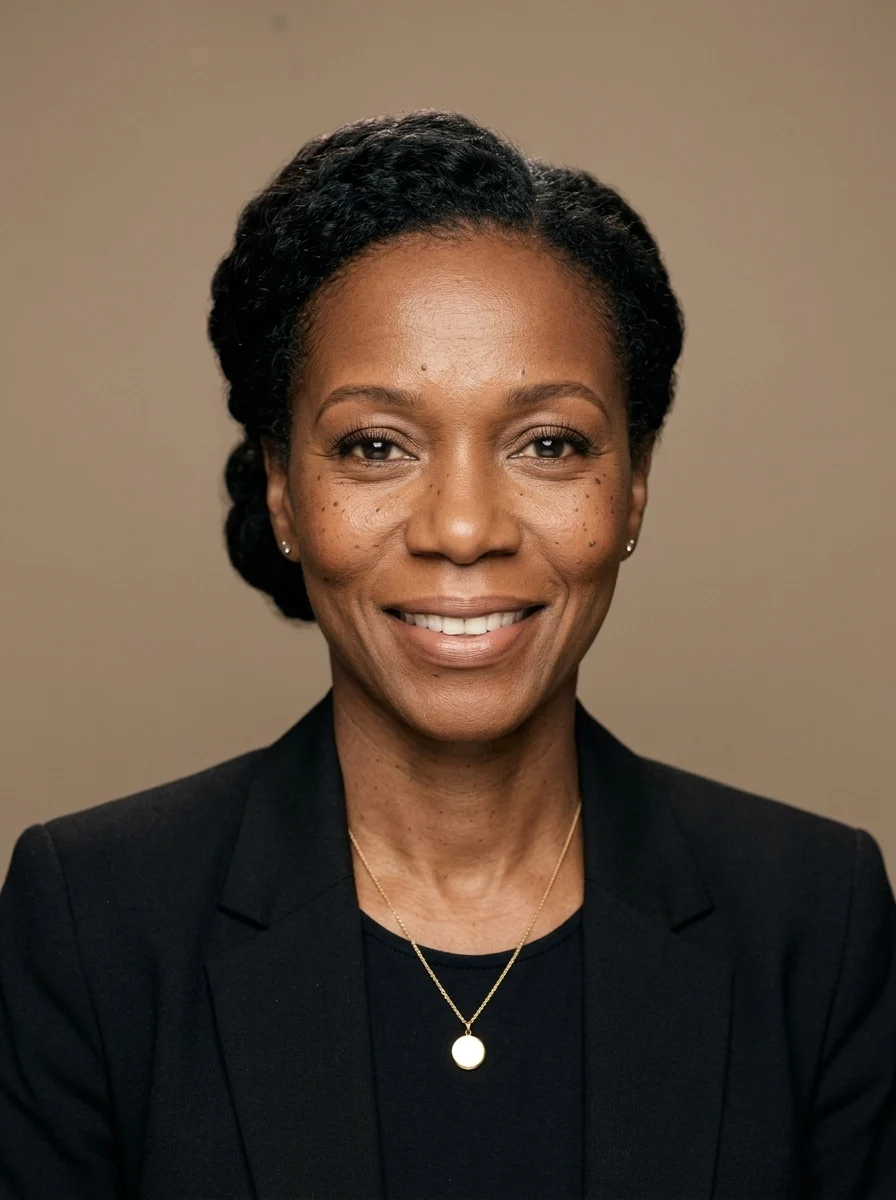
- Glow up: a professional glow-up, glossy styled hair, polished grooming and a tailored black outfit, shot as a magazine beauty portrait.
- Blonde version: long honey-blonde waves at a sunny café table on a whitewashed seaside street.
- 1970s you: a real 1970s family-album photo, feathered hair, a corduroy jacket and a wood-panelled living room, on warm faded film.
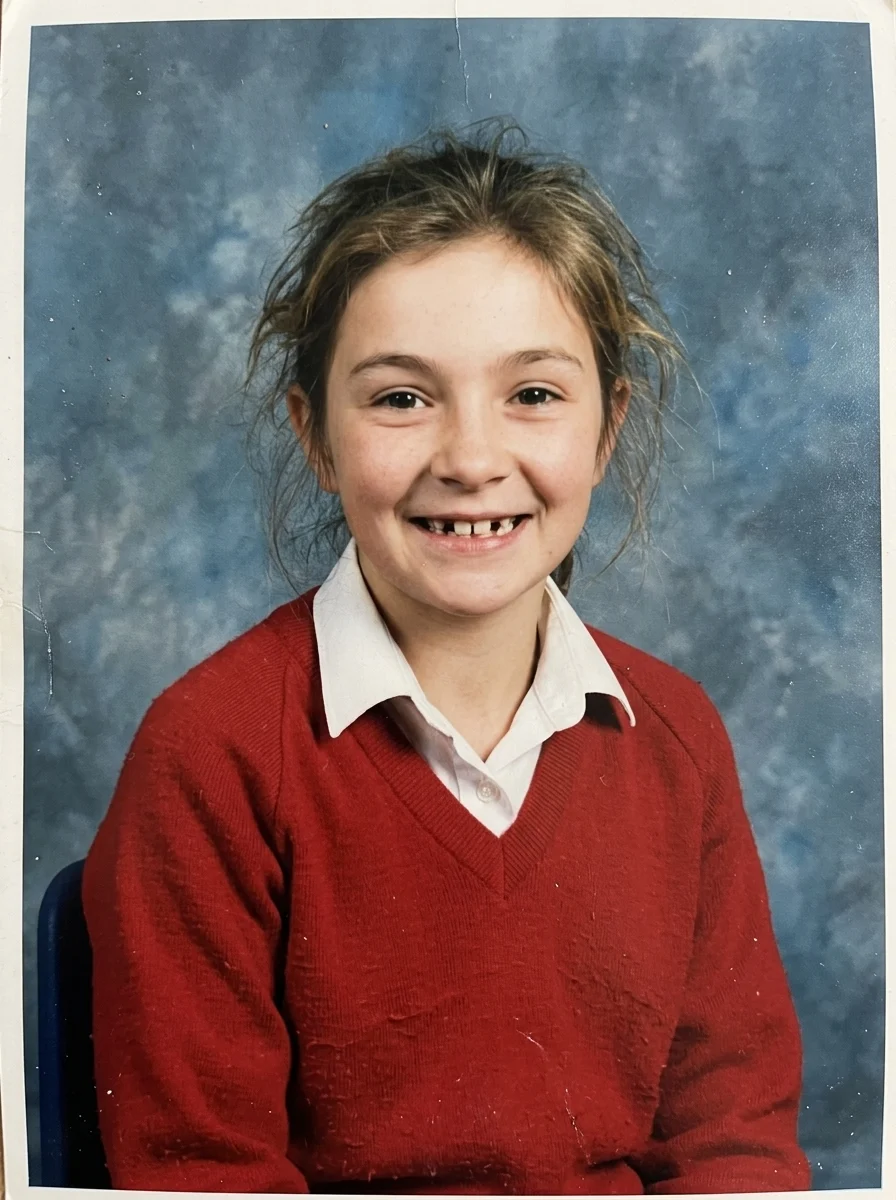
- You at 11: you at about eleven, in a classic school portrait with a proud gap-toothed grin.
- 3D cartoon: you as an original 3D animated film character, waving from a sunny town square.
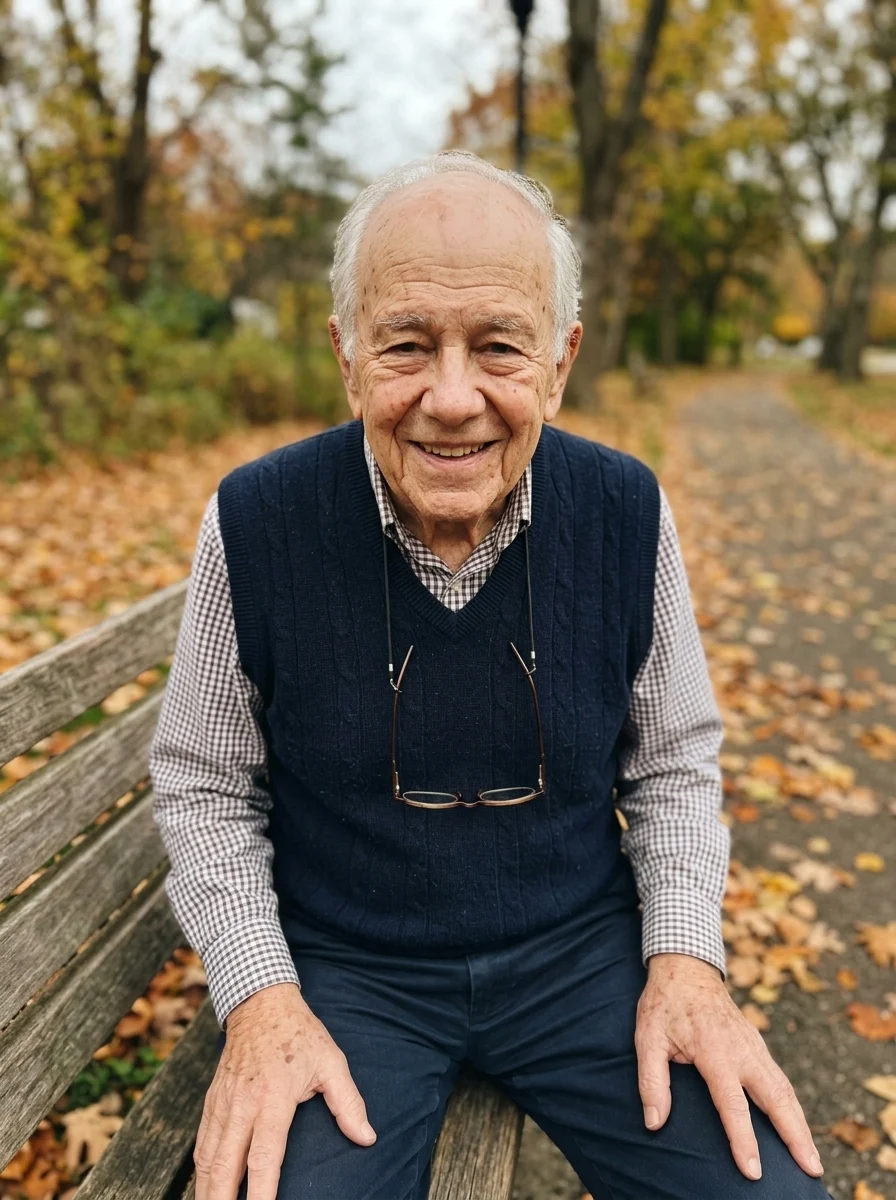
- You at 80: you at about eighty, on a park bench in autumn with reading glasses on a cord.
How to make it on Tanvo
- Open the app. Go to Multiaverso AI Filter.
- Pick a universe from the list above.
- Upload your photo. The app asks for one: Your photo.
- Generate. The app runs on Nano Banana 2 and makes a 1K portrait image in 3:4.
- Make the set. Run the other five with the same photo.
Tips that make it work
Use one clear selfie for all six. Head and shoulders, face clear and evenly lit. Glasses are fine; heavy filters are not, because they change the very features the set needs to keep.
Same photo, every universe. Using one photo for all six is what makes the carousel read as one person. Swapping photos between versions weakens the effect.
Post in order. Put the original selfie first, then the six versions. The original is the reference that makes every other slide land.
Write your own universe. Edit the prompt, keep its first line, the one that keeps your face, then describe the new hair, clothes and place.
Try it on other people. Some ideas: your parents at 11, the couple version, your best friend at 80, or the office team in the 70s.
Cost and models
Each version is about 25 credits at 1K, so all six cost about 150 credits, and failed runs are refunded. Nano Banana 2 is the default because it's the best of the app's models at keeping a face through big changes. Nano Banana Pro is sharper, and Nano Banana 2 Lite is cheaper. Seedream 5.0 Lite is also available in the app. See the pricing page for credit packs.
FAQ
Multiaverso or Multiverso?
Both spellings are used for the same trend; Multiaverso is the most common hashtag. It's the "other universe versions of you" filter.
Will it still look like me?
That's the point of the trend, so every prompt starts by keeping your face shape, eyes, nose, smile and skin tone.
Ready to try it? Open Multiaverso AI Filter.