Blog · Guides · Sep 29, 2026 · 4 min read
Image to video: a setup that works the first time
Which frame to start from, how much motion to ask for, and the short phrase that stops faces from drifting when you turn a still photo into video.
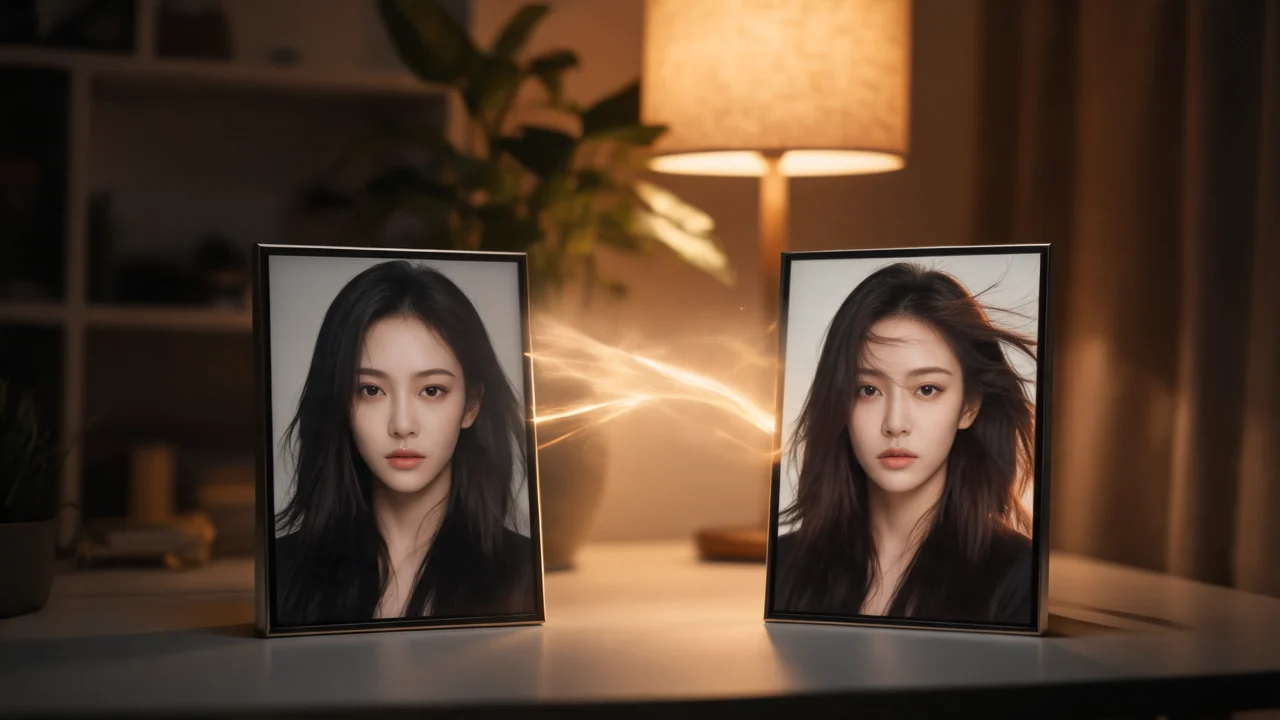
Turning a still into a clip looks simple: upload a photo, type what should happen, press generate. Most first attempts still come back with a face that slowly turns into someone else, hands that melt, or a camera that wanders off. Almost all of that is decided before you press the button. This guide covers the three choices that matter most: the starting frame, the amount of motion, and what you tell the model to keep.
Start from the right frame
The model treats your photo as frame one. Everything it invents afterward has to grow out of that frame, so a weak start gives a weak clip.
A good starting frame has:
- A clear, well-lit face. Front or three-quarter view, eyes visible, no sunglasses, no heavy shadow across half the face. The model can only keep what it can see.
- The whole subject in shot. If the clip ends with someone walking away, their legs need to exist in the photo. Cropped feet or a cut-off arm get filled in by guesswork.
- Room to move. Leave some space in the direction of motion. A person pressed against the right edge has nowhere to walk.
- The right shape. Pick a photo that already matches your output, vertical for 9:16 and wide for 16:9. Heavy cropping to fit loses detail.
- One main subject. Group shots work, but every extra face is another face that can drift.
If you don't have a good frame, make one. Generating a still first with an image model such as Nano Banana 2 costs far less than a video run, and you can fix the light, the outfit and the framing before any motion is involved.
Ask for less motion than you think
The most common mistake is asking for too much at once. "She laughs, spins around, the camera flies over the city and it starts to snow" gives the model four separate jobs in a few seconds, and it will do all of them badly.
Write motion as ordered beats, one after another, and keep it to two or three for a short clip:
- "She looks into the camera and smiles."
- "She glances down, then turns her head to the left."
- "She walks out of frame to the left."
Then add one camera move per shot, written separately: "Slow push-in" or "Camera stays locked off." If you want a whip-pan and an orbit, those are two shots.
A useful rule: a 5 to 6 second clip holds about two beats comfortably, and a 10 second clip about three or four. If your prompt reads like a paragraph of plot, split it into several clips.
Say what must stay the same
Models are good at following instructions about change and less reliable about what should stay fixed, unless you say so. Name the things that must not move:
- "Her face stays unchanged throughout."
- "Same hair, same red jacket, same earrings."
- "The background stays the same street."
If you only remember one phrase, make it "face stays unchanged". Putting it at the end of the prompt, after the beats, is a simple habit that keeps the model focused on the person you gave it.
It also helps to avoid wording that invites change. "She transforms," "becomes," or "morphs" tell the model it's allowed to rebuild the person. If you want an outfit change or a transition, describe exactly what changes and repeat what doesn't.
A full example
Here is a prompt for a 6 second vertical clip from a waist-up photo of someone outside a café:
"She holds a coffee cup and looks at the camera. She smiles and lifts the cup slightly, as if saying cheers. She turns and walks to the right, out of frame. Camera locked off at chest height. Soft afternoon light. Her face, hair and green coat stay unchanged throughout."
That's three beats, one camera instruction, one lighting note and one line about what stays the same. It's short, and that's on purpose.
Draft cheap, then commit
Your first run is a test, so run it on something inexpensive. At the time of writing, Tanvo Video v1 makes 480p drafts at 20 credits for 5 seconds, and Seedance 2 Mini starts at 130 credits for 480p, 6 seconds, with sound. Use the draft to check timing and whether the face holds. Once the motion is right, run the same photo and prompt on the model you want for the final, at the resolution you need. If a run fails, the credits come back.
Quick checklist
- Clear face, whole subject, matching aspect ratio.
- Two or three beats, in order.
- One camera move.
- A closing line naming what stays the same.
- A cheap draft before the expensive run.
You can try this on any model from the video page.