1 full-body photo + up to 3 outfits · 10–15s · with sound
Ceiling Fan Transition AI Video: Outfit Change on Every Blade
Lie under the fan, and every blade sweep swaps your outfit.
Ceiling Fan Transition
Pick a look
tap to previewModel
Seedance 2 Mini runs from your account. Sign in now and everything you add here comes with you.
You, full body
(0/1)Outfit 2
(0/1)Outfit 3
(0/1)Outfit 4
(0/1)Aspect ratio
Resolution
Length
What one 10s video costs
| Model | 480p | 720p | 1080p |
|---|---|---|---|
| 20 | – | – | |
| 150 | – | 550 | |
| 600 | 1,200 | 3,010 | |
| 400 | 800 | 2,000 | |
| 370 | 740 | – | |
| 220 | 450 | 1,180 | |
| 100 | 190 | 430 | |
| – | 465 | 630 | |
| – | – | 520 | |
| – | 420 | 520 | |
| – | 115 | 170 | |
| 190 | 370 | 750 | |
| – | 370 | 520 | |
| – | 630 | 1,250 |
Credits per video. Pick a model from the table, then the resolution above.
Video preview
Every look is a real result from this app. Pick one, add your photo, press the button.
Adult and NSFW content is strictly prohibited. Acceptable use
Looks
4 looks, one upload
Each look is a preset prompt with a real result. Pick one in the generator; the photo stays, the look changes.
The trend
What is the Ceiling Fan Transition?
The ceiling fan transition is the overhead outfit video: you lie under a spinning fan, and every time a blade crosses the frame you are wearing something else. It spread across TikTok and Reels in September 2026 because the cut is hidden by the blade — no jump, no editing skill needed. Except now you do not need the fan either.
Upload one full-body photo and up to three more outfits. The generator builds the room, the overhead angle, the spinning blades and the blade-timed changes.
Who to cast
- Four seasons of your wardrobe
- Work → gym → night out
- Your kid's Halloween options
- A brand's new drop, four colours
- Then vs now
- Cosplay roster
More apps
More apps like Ceiling Fan Transition
Same idea, different result. Each opens ready to run.


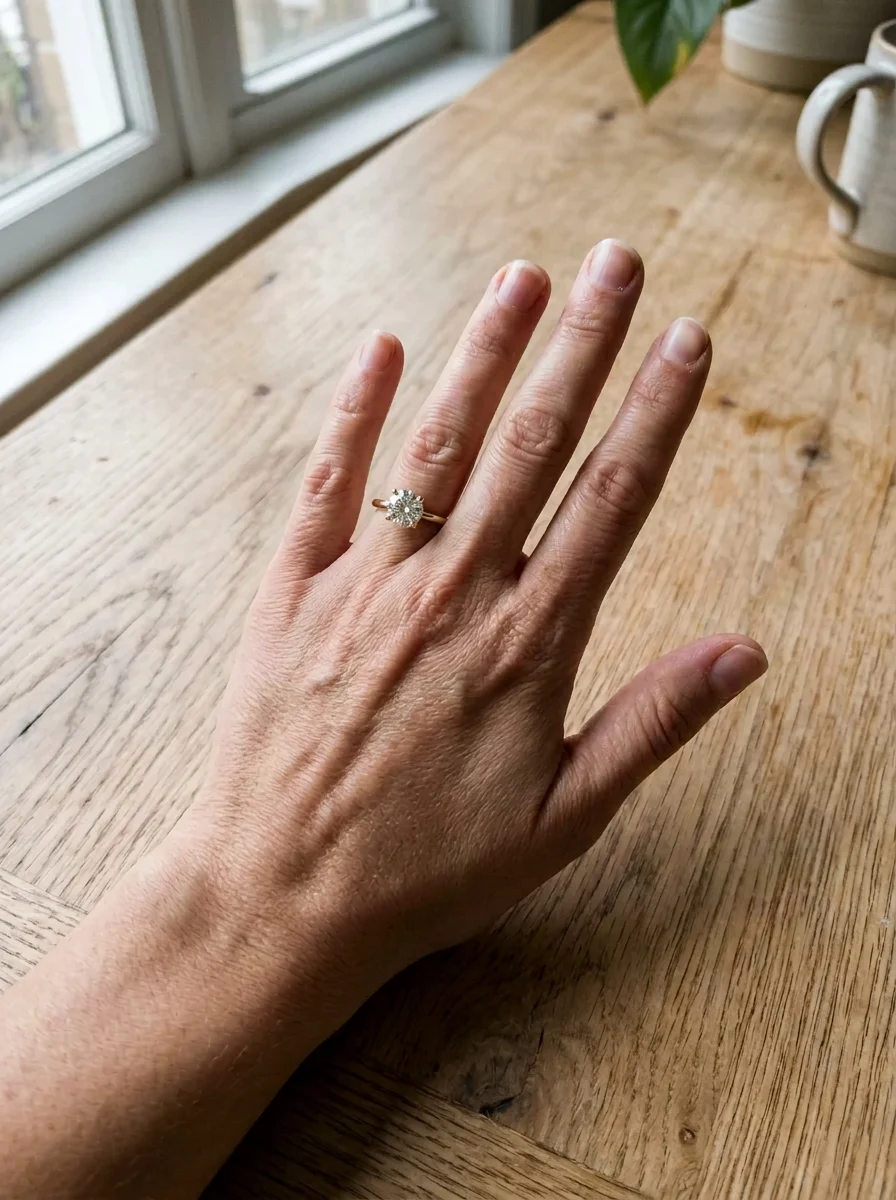
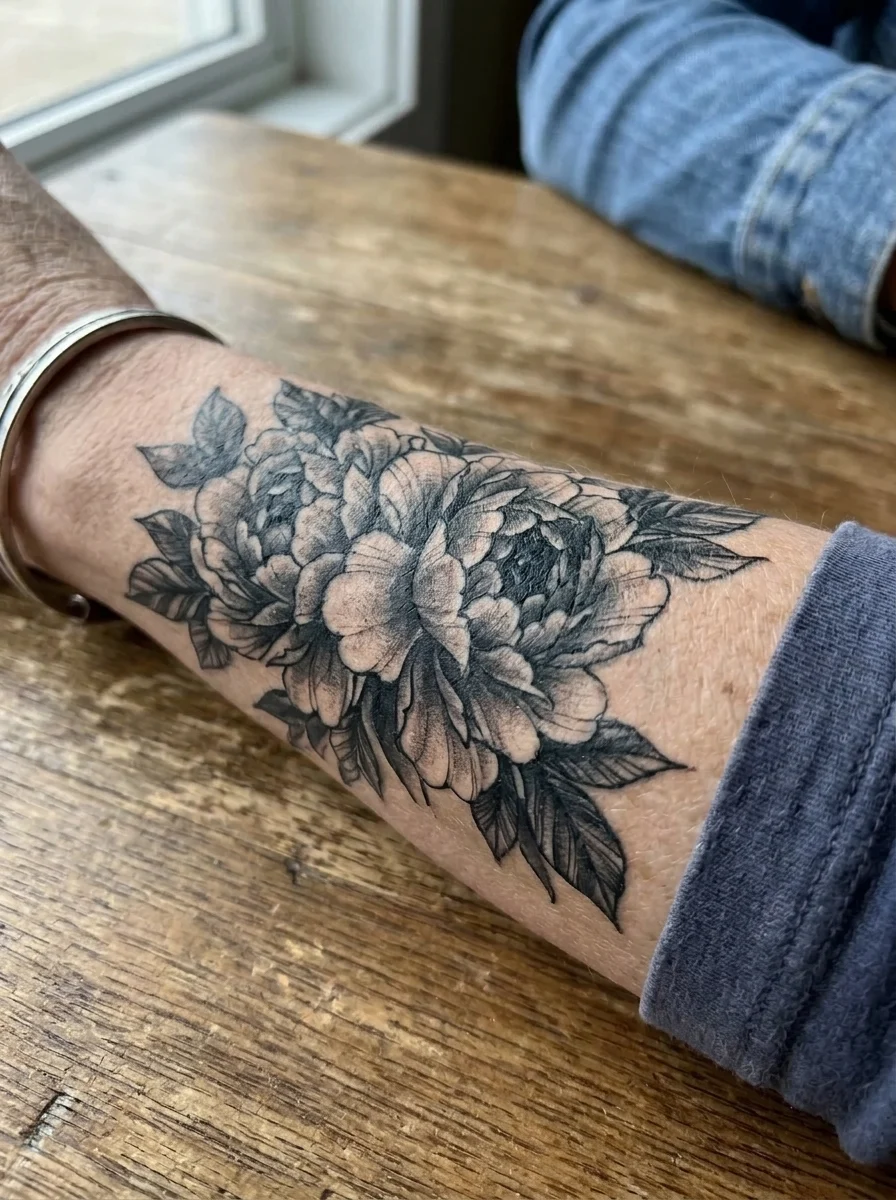

How to use
How the video generator works
- 01
Upload yourself
One full-body photo where the outfit is clearly visible. This is outfit one.
- 02
Add outfits
Up to three more photos — of you in other clothes, or just the clothes laid flat. They appear in order.
- 03
Generate
10 seconds fits three swaps; 15 gives a slower reveal.
Answers
Ceiling Fan Transition FAQ
Pricing
You pay per generation, never per seat
Credits are shared across everything. You see the cost before each run.
No hidden fees · Cancel anytime · Failed runs refunded · Also on iPhone
Starter
15% OFF$8.3/month$9.9
$100 billed yearly
900 credits per month
- ≈ 45 quick 5s clips
- ≈ 7 Veo 3.1 Lite clips
- ≈ 36 Nano Banana 2 images
- Up to 3 generations at once
- Commercial use license
- All video and image models unlocked
- Native 4K output on supported models
- Video with native audio
- 3 generations at once
- Private generation
- Failed runs refunded automatically
Plus
20% OFFPopular$24/month$29.9
$288 billed yearly
4,500 credits per month
- ≈ 225 quick 5s clips
- ≈ 39 Veo 3.1 Lite clips
- ≈ 180 Nano Banana 2 images
- Up to 3 generations at once
- Commercial use license
- All video and image models unlocked
- Native 4K output on supported models
- Video with native audio
- 3 generations at once
- Private generation
- Failed runs refunded automatically
Pro
40% OFF$30/month$49.9
$360 billed yearly
8,500 credits per month
- ≈ 425 quick 5s clips
- ≈ 73 Veo 3.1 Lite clips
- ≈ 340 Nano Banana 2 images
- Up to 3 generations at once
- Commercial use license
- All video and image models unlocked
- Native 4K output on supported models
- Video with native audio
- 3 generations at once
- Private generation
- Failed runs refunded automatically
Try Ceiling Fan Transition now
The look is set; add your photo and the result is a few minutes away.