Hand photo (+ optional ring photo) · original shape · 1K–2K
Virtual Ring Try On: See an Engagement Ring on Your Own Hand
No AR camera needed: the ring is placed on your ring finger at a believable scale, wrapping the finger, with real sparkle and shadow. Add a photo of a ring you like to see that one.
- On your own hand
- Real sparkle and shadow
- Use any ring photo
Virtual Ring Try On
Pick a look
tap to useModel
Nano Banana 2 runs from your account. Sign in now and everything you add here comes with you.
Your hand
(0/1)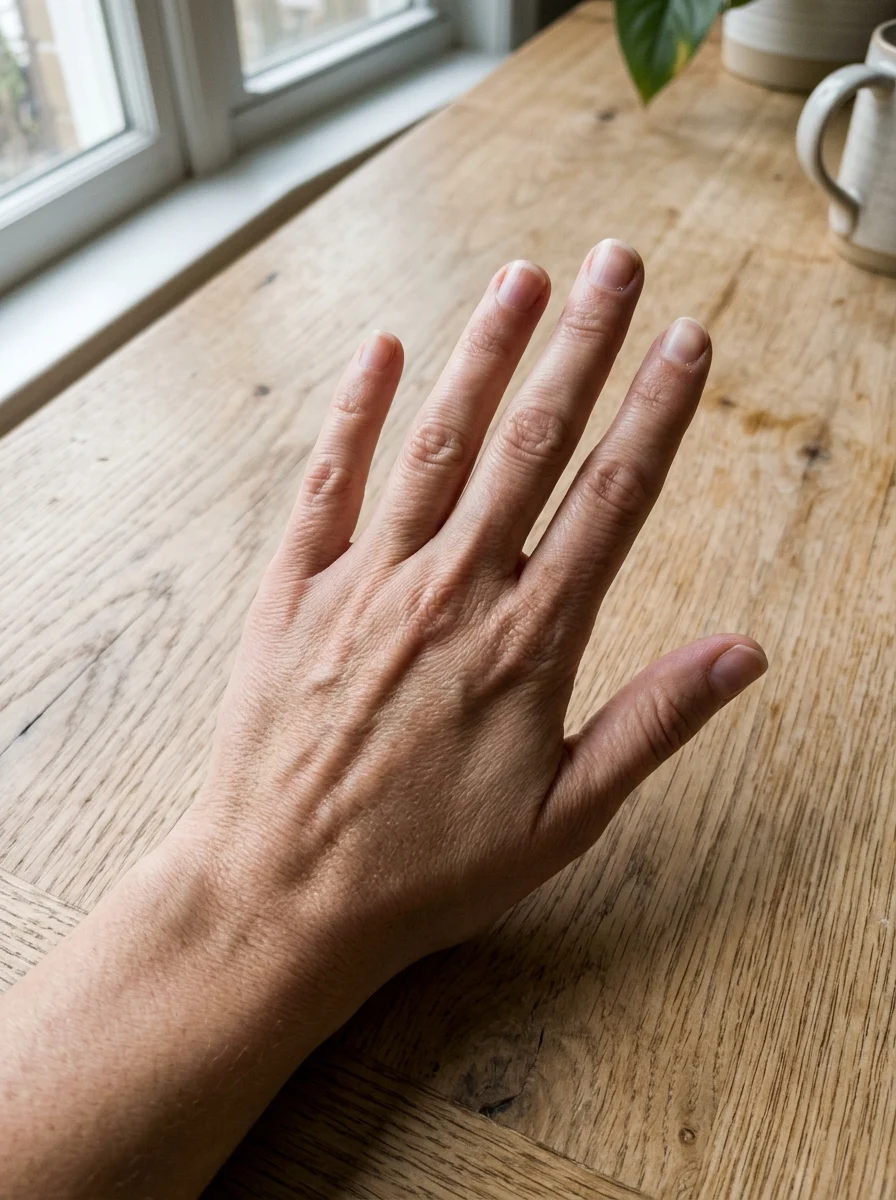
A ring you like (optional)
(0/1)Metal and size
optionalA real name and one detail make it yours. Added to the prompt for you.
Aspect ratio
Resolution
Output format
Image preview
Every look is a real result from this app. Pick one, add your photo, press the button.
Adult and NSFW content is strictly prohibited. Acceptable use
Looks
5 looks, one upload
Each look is a preset prompt with a real result. Pick one in the generator; the photo stays, the look changes.
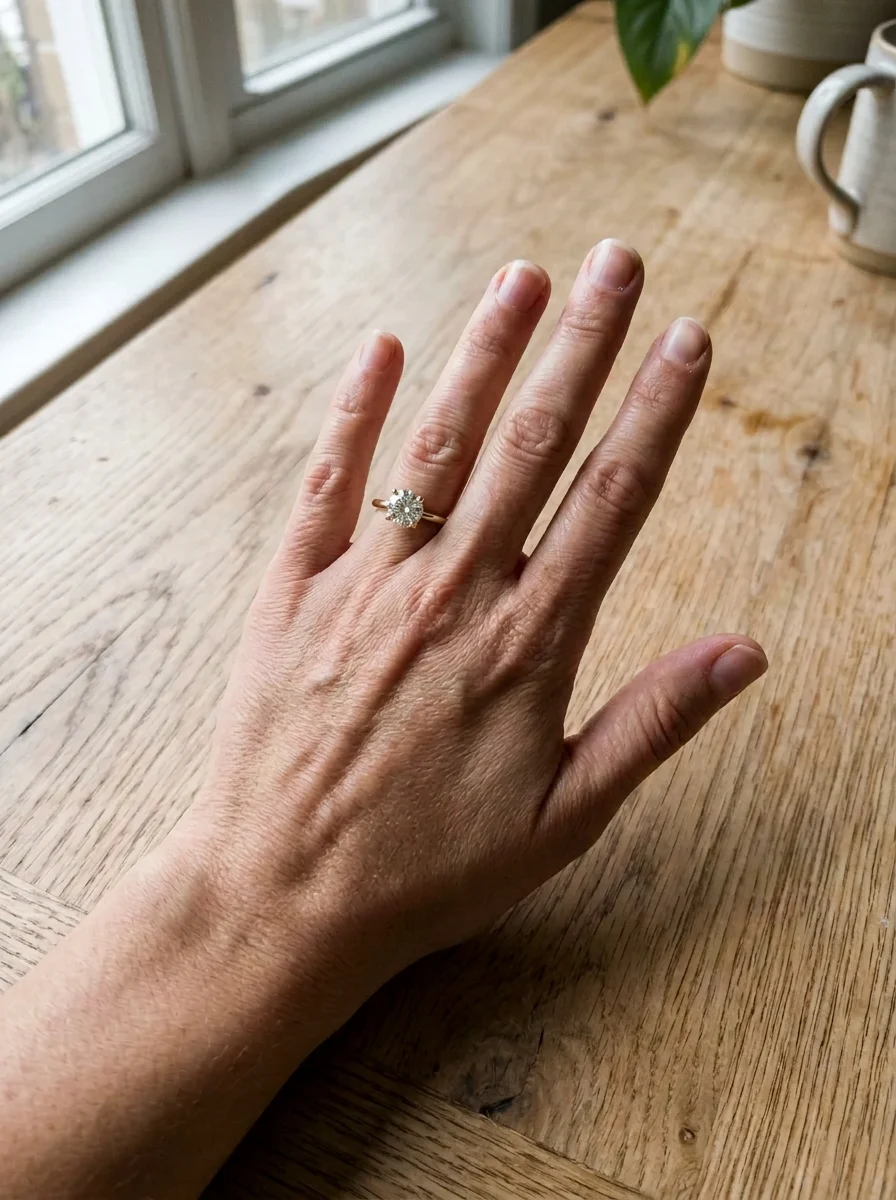
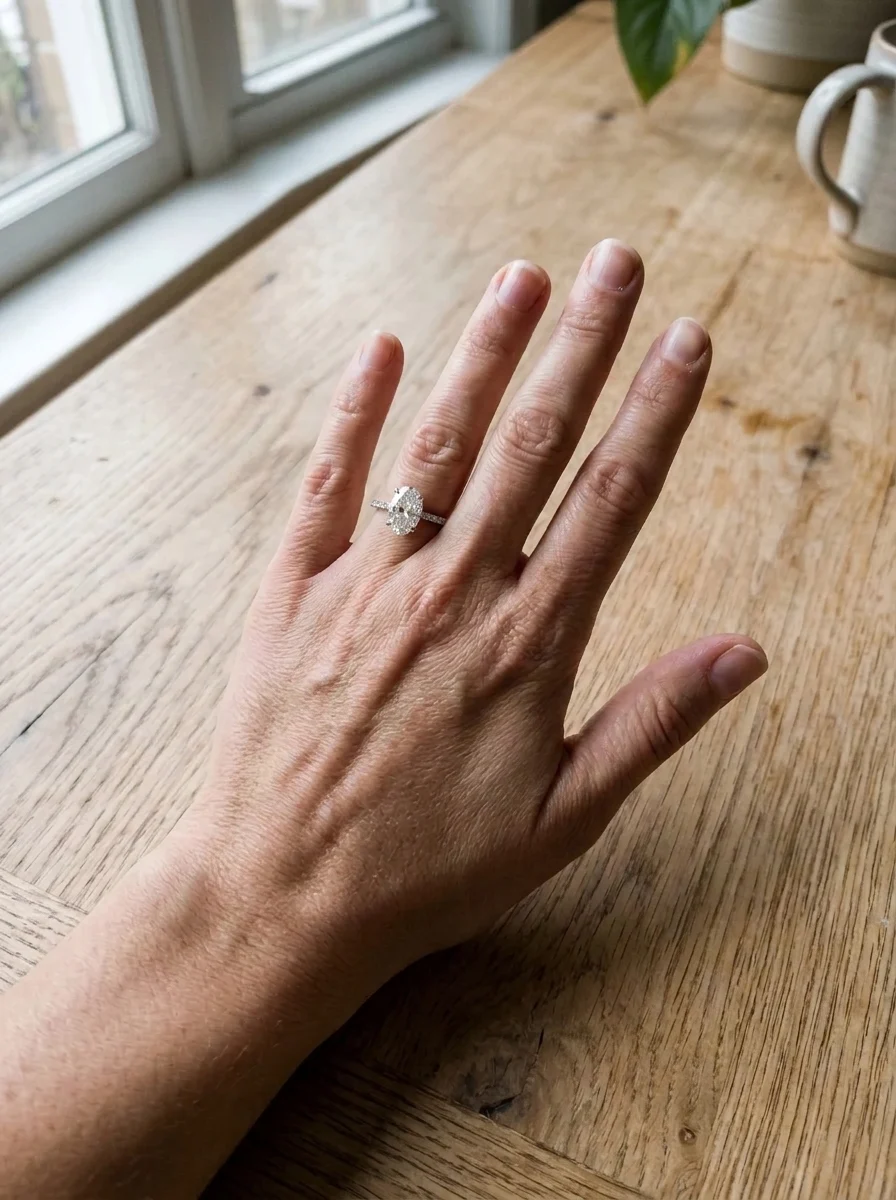
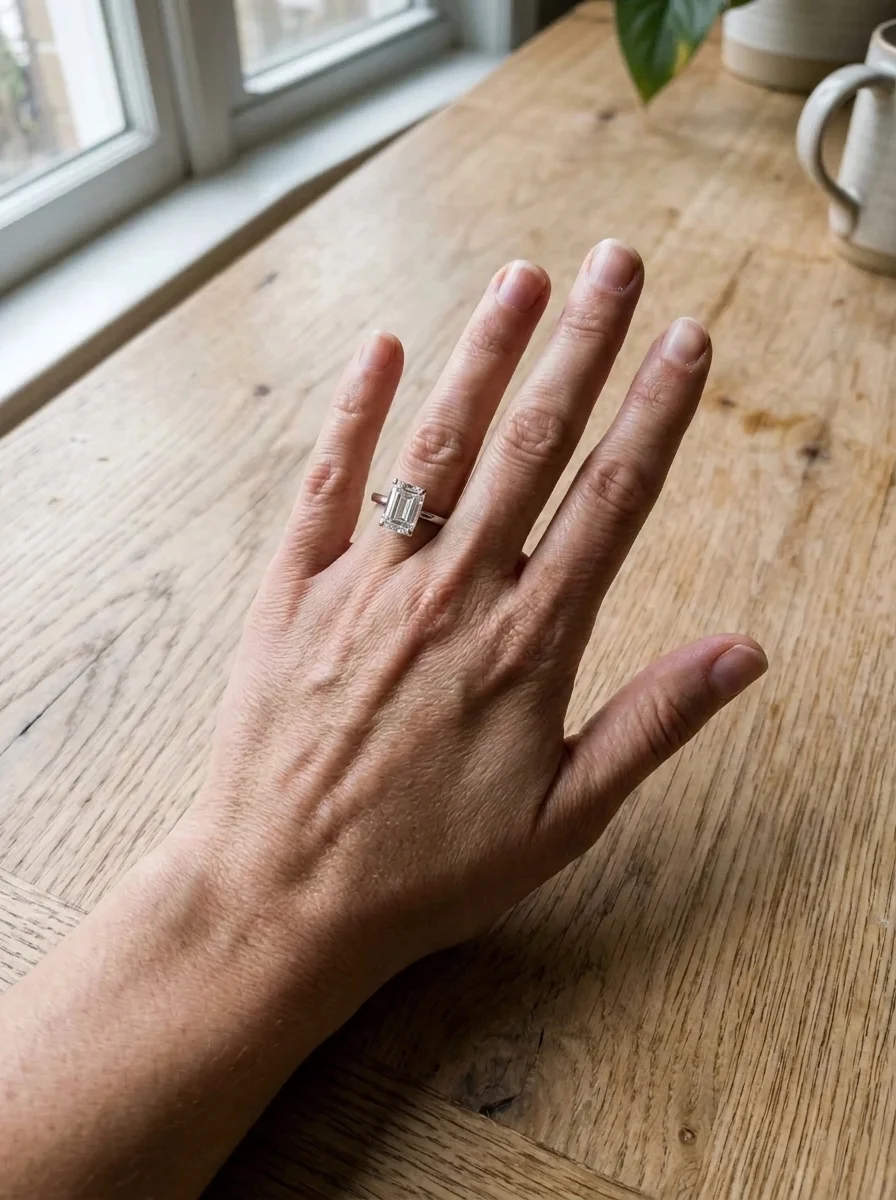
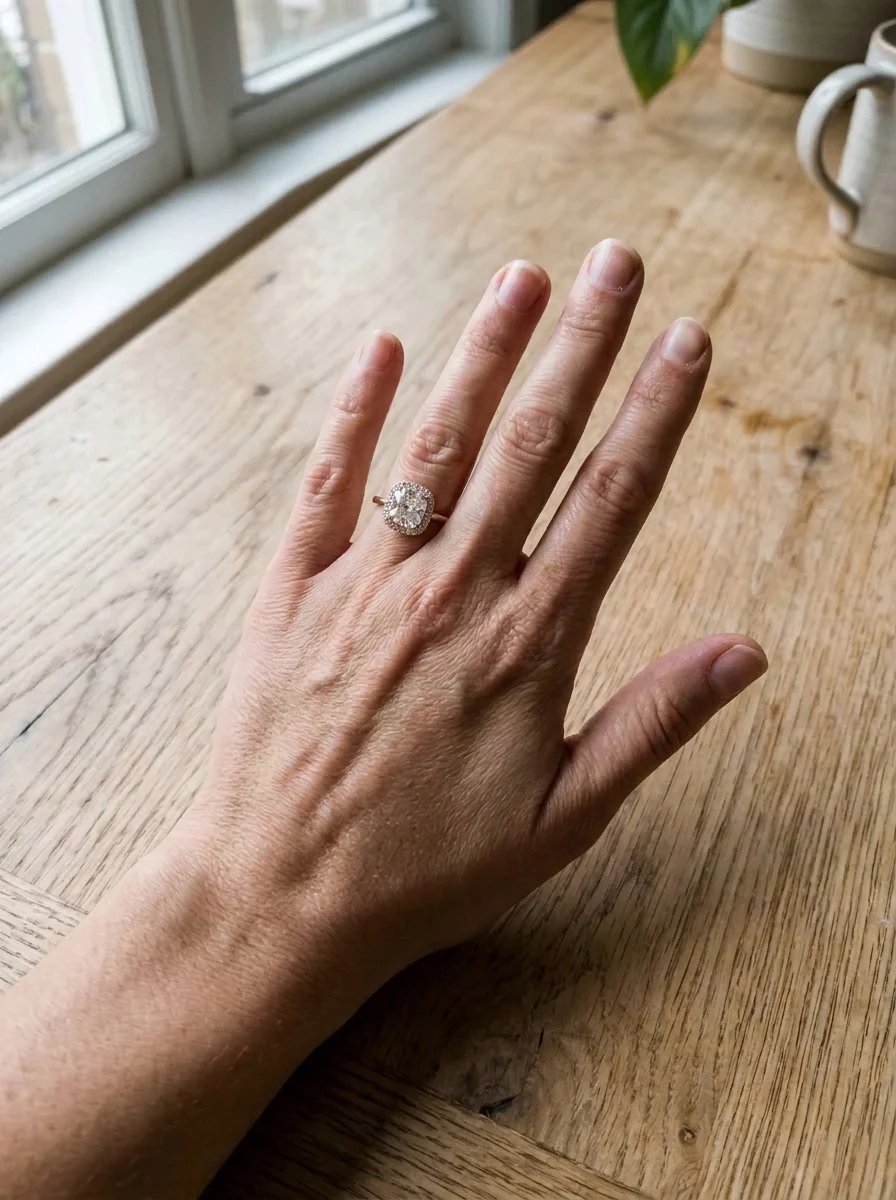
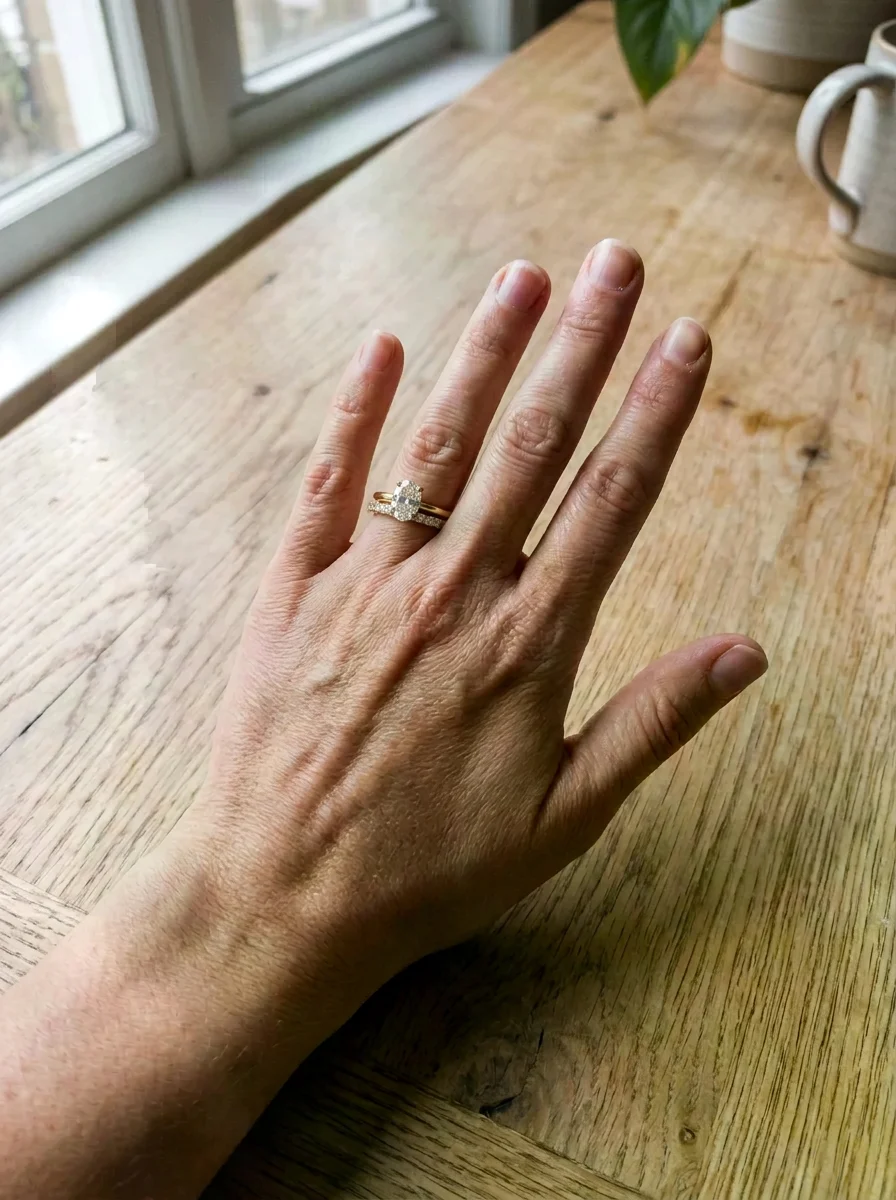
All looks above were made from the same photos: your hand. The people are fictional, generated by an image model.
The trend
What is the Virtual Ring Try On?
Shop try-on tools only show their own rings, and only through a live AR camera. This one works on a photo of your own hand and any ring: pick a classic style, or add a photo of a ring you found and see that one on your finger.
The ring is placed on your ring finger at a believable scale, wrapping around the finger, with real sparkle on the stone and a soft shadow, while your hand, nails and skin stay exactly as they are. Try a round solitaire, an oval on a pavé band, an east-west emerald cut, a halo cushion or a full bridal stack, in yellow gold, platinum or rose gold. It is a visual impression, not a sizing tool: confirm ring size and carat with your jeweller.
Who to cast
- Oval or round?
- Gold or platinum on my skin tone
- A ring from a listing
- Engagement ring and wedding band together
- A men's wedding band
- Dainty versus statement
More apps
More apps like Virtual Ring Try On
Same idea, different result. Each opens ready to run.


How to use
How the image generator works
- 01
Photograph your hand
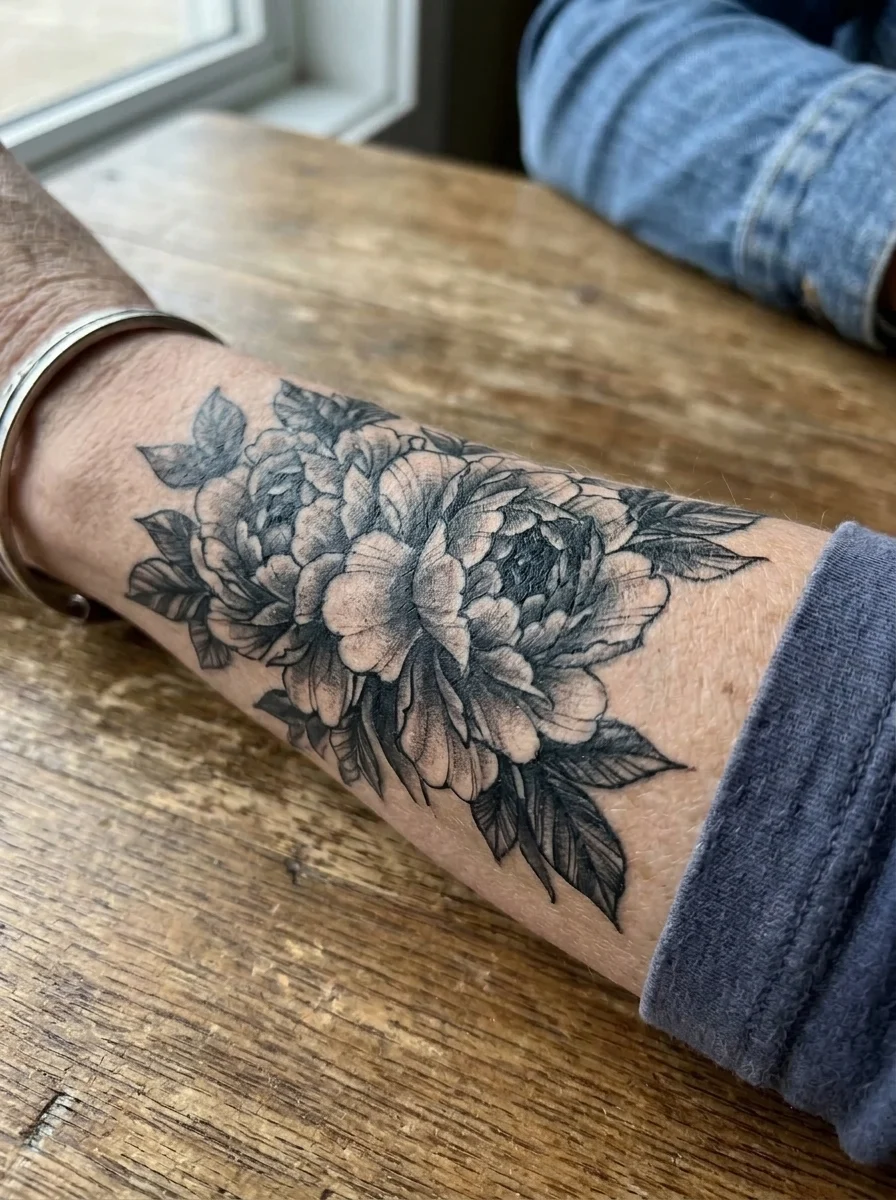
The back of your hand, fingers relaxed and slightly apart, in natural light, with the ring finger fully visible.
- 02
Pick a ring or add one
Round solitaire, oval on pavé, east-west emerald cut, halo cushion or bridal stack, or upload a photo of the exact ring as the second image. Type a metal or size if you like.
- 03
Compare
Download the results and compare styles side by side before you visit the jeweller.
Answers
Virtual Ring Try On FAQ
Pricing
You pay per generation, never per seat
Credits are shared across everything. You see the cost before each run.
No hidden fees · Cancel anytime · Failed runs refunded
Starter
15% OFF$8.3/month$9.9
$100 billed yearly
900 credits per month
- ≈ 45 quick 5s clips
- ≈ 7 Veo 3.1 Lite clips
- ≈ 36 Nano Banana 2 images
- Up to 3 generations at once
- Commercial use license
- All video and image models unlocked
- Native 4K output on supported models
- Video with native audio
- 3 generations at once
- Private generation
- Failed runs refunded automatically
Plus
20% OFFPopular$24/month$29.9
$288 billed yearly
4,500 credits per month
- ≈ 225 quick 5s clips
- ≈ 39 Veo 3.1 Lite clips
- ≈ 180 Nano Banana 2 images
- Up to 3 generations at once
- Commercial use license
- All video and image models unlocked
- Native 4K output on supported models
- Video with native audio
- 3 generations at once
- Private generation
- Failed runs refunded automatically
Pro
40% OFF$30/month$49.9
$360 billed yearly
8,500 credits per month
- ≈ 425 quick 5s clips
- ≈ 73 Veo 3.1 Lite clips
- ≈ 340 Nano Banana 2 images
- Up to 3 generations at once
- Commercial use license
- All video and image models unlocked
- Native 4K output on supported models
- Video with native audio
- 3 generations at once
- Private generation
- Failed runs refunded automatically
Try Virtual Ring Try On now
Put the ring on. The look is set; add your photo and the result is a few minutes away.