One photo · 1K–2K
South Park AI Filter: Turn Your Photo Into a Cutout Character
One selfie, one flat paper-cutout you with the deadpan stare, standing at the bus stop in the snow. The TikTok cutout trend, as an original character.
- Paper-cutout style
- Original character
- Pets too
South Park AI Filter
Pick a look
tap to useModel
Nano Banana 2 runs from your account. Sign in now and everything you add here comes with you.
Your photo
(0/1)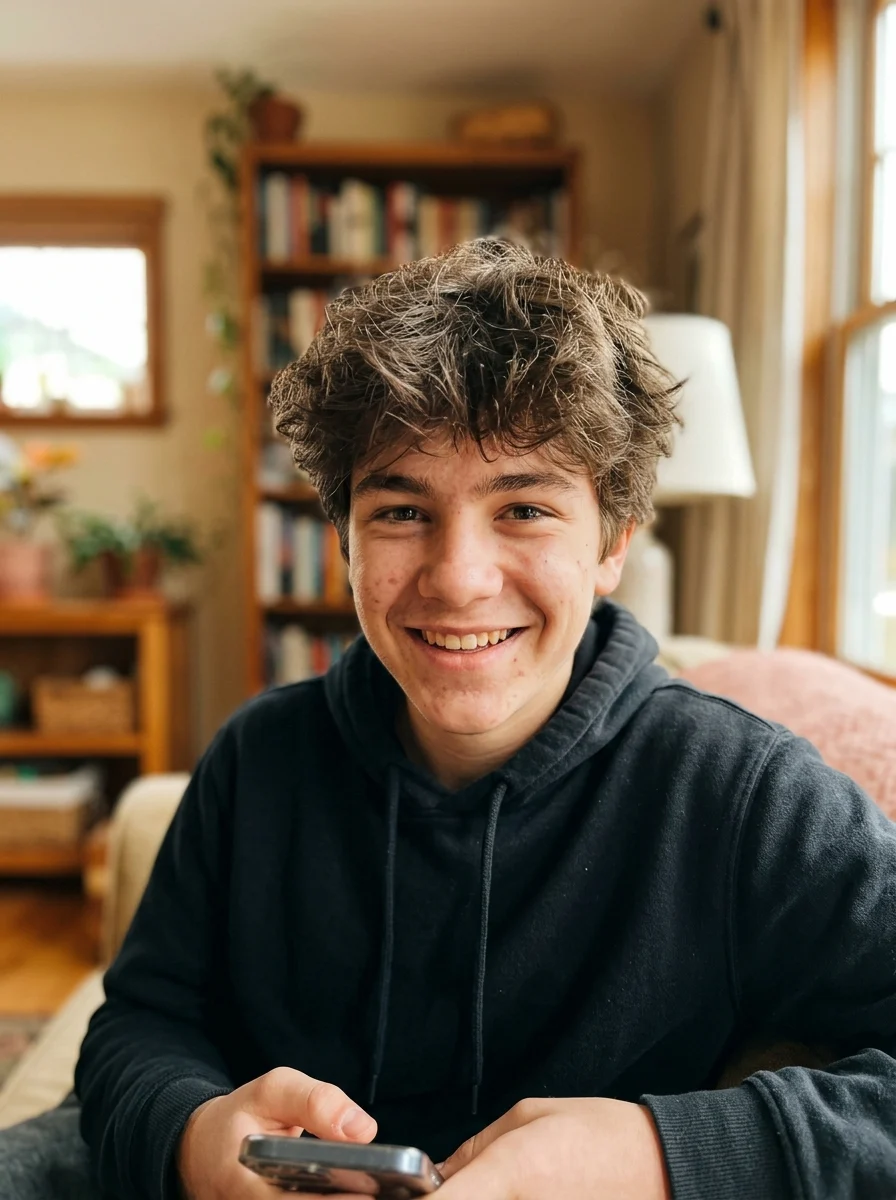
Make it yours
optionalA real name and one detail make it yours. Added to the prompt for you.
Aspect ratio
Resolution
Output format
Image preview
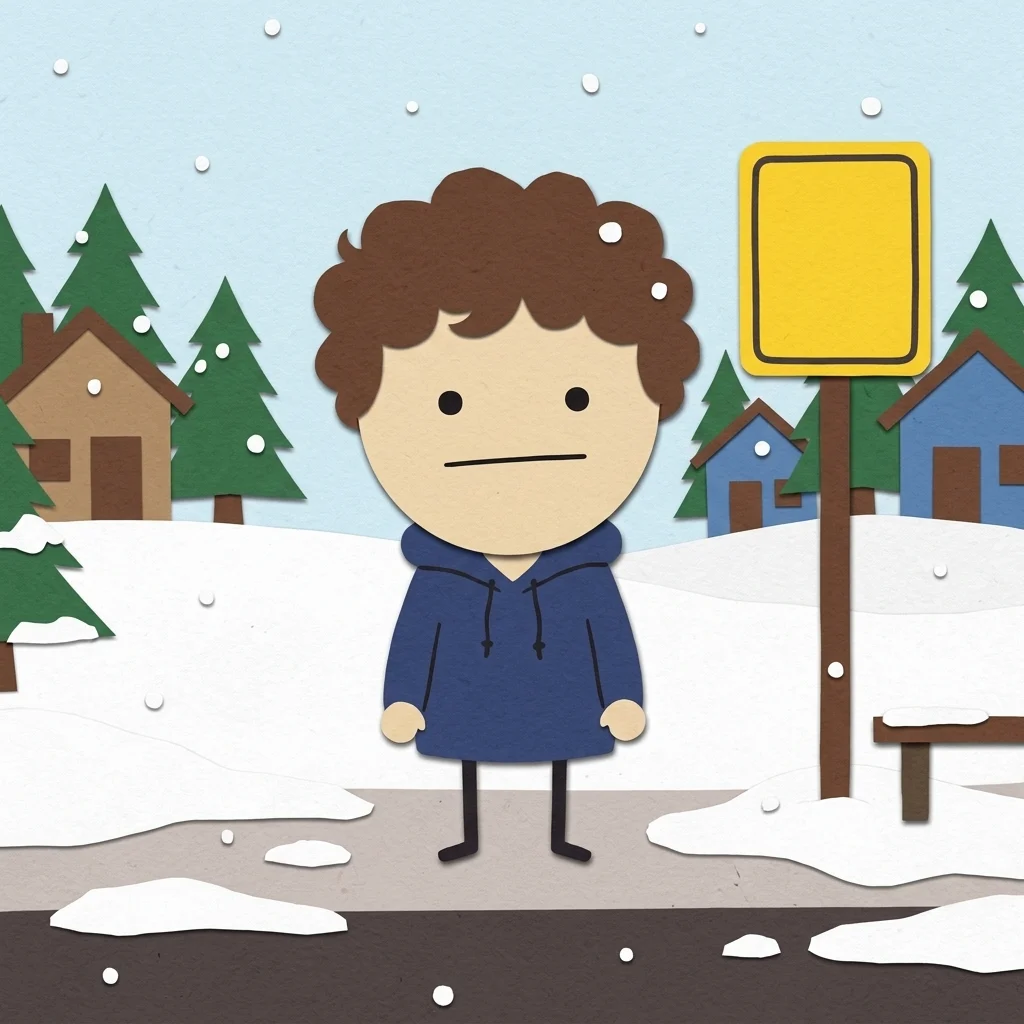 BeforeAfter
A real result from this app. Drag to compare, then add your own photo on the left.
Every look is a real result from this app. Pick one, add your photo, press the button.
Adult and NSFW content is strictly prohibited. Acceptable use
Before and after
One photo in, this out
A real result from this app. Drag the handle.
BeforeAfterLooks
6 looks, one upload
Each look is a preset prompt with a real result. Pick one in the generator; the photo stays, the look changes.
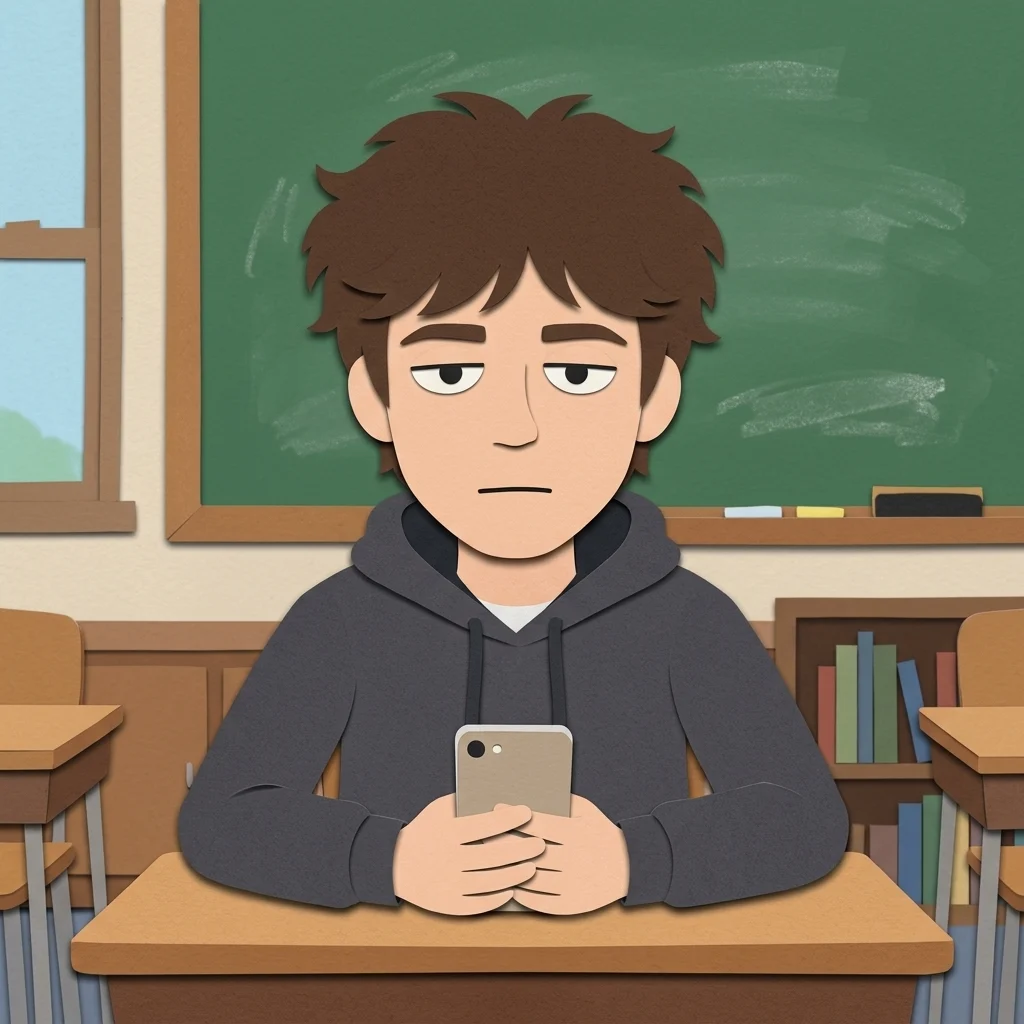
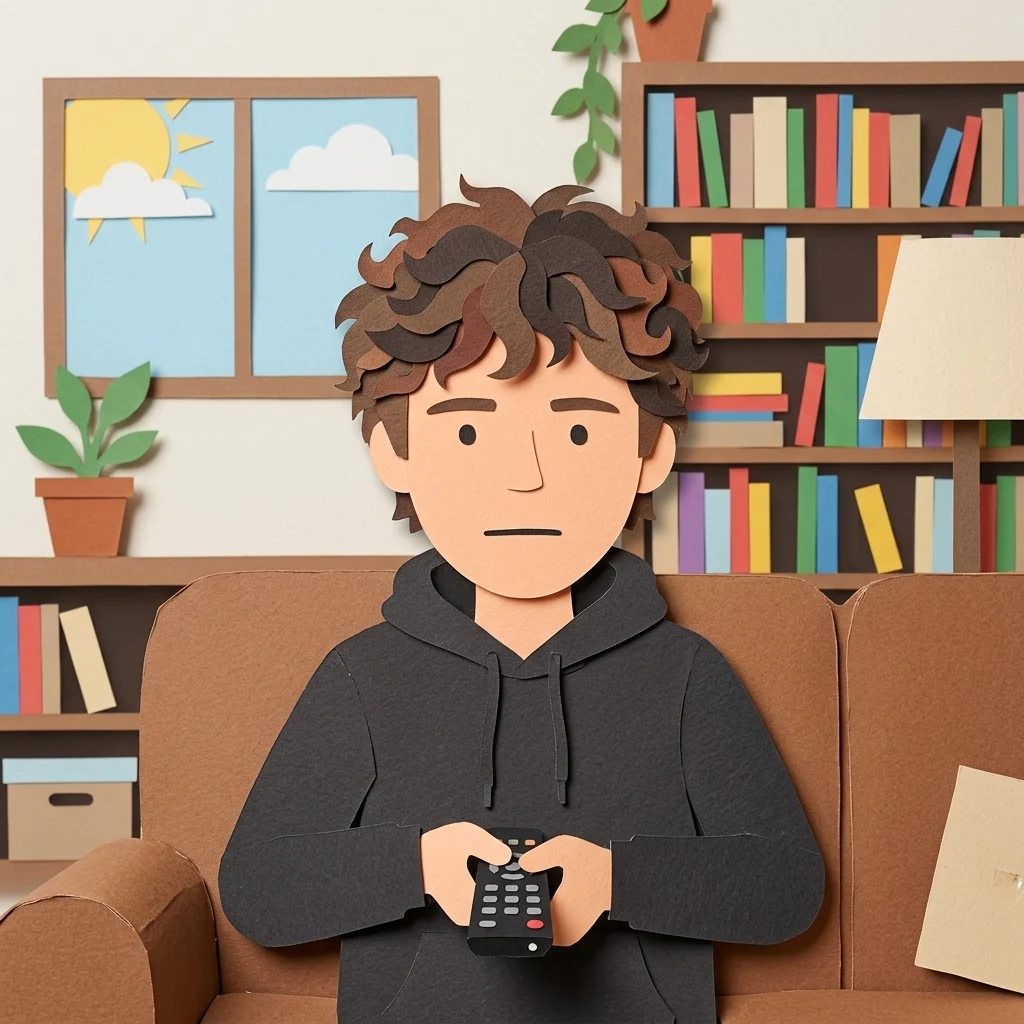
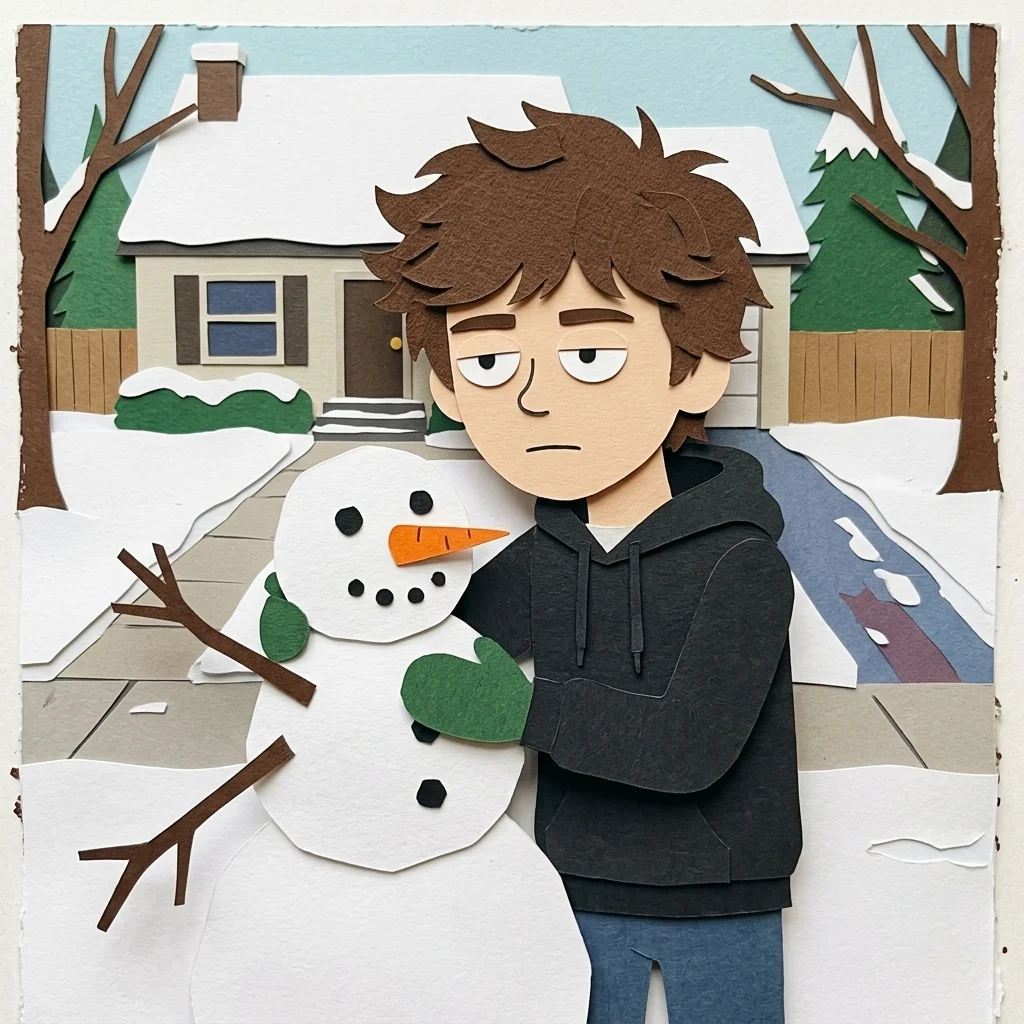
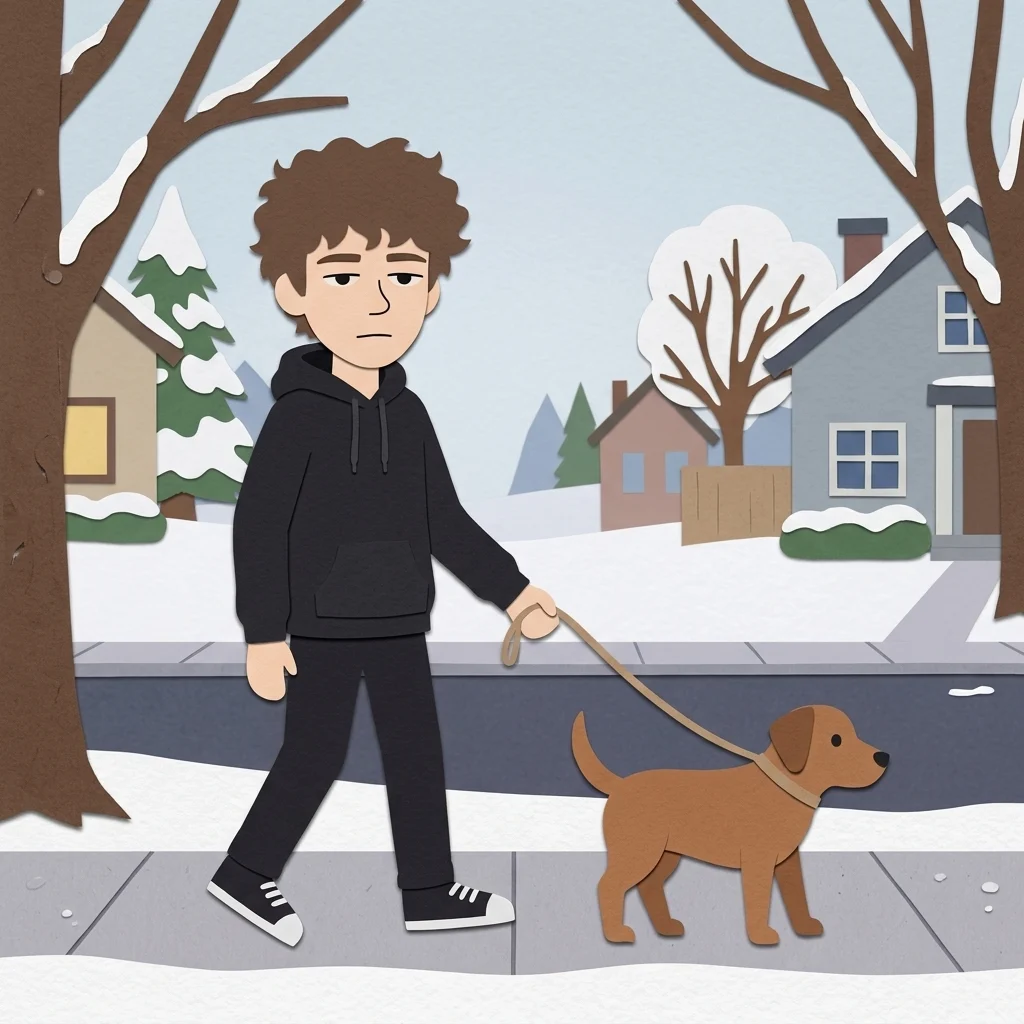
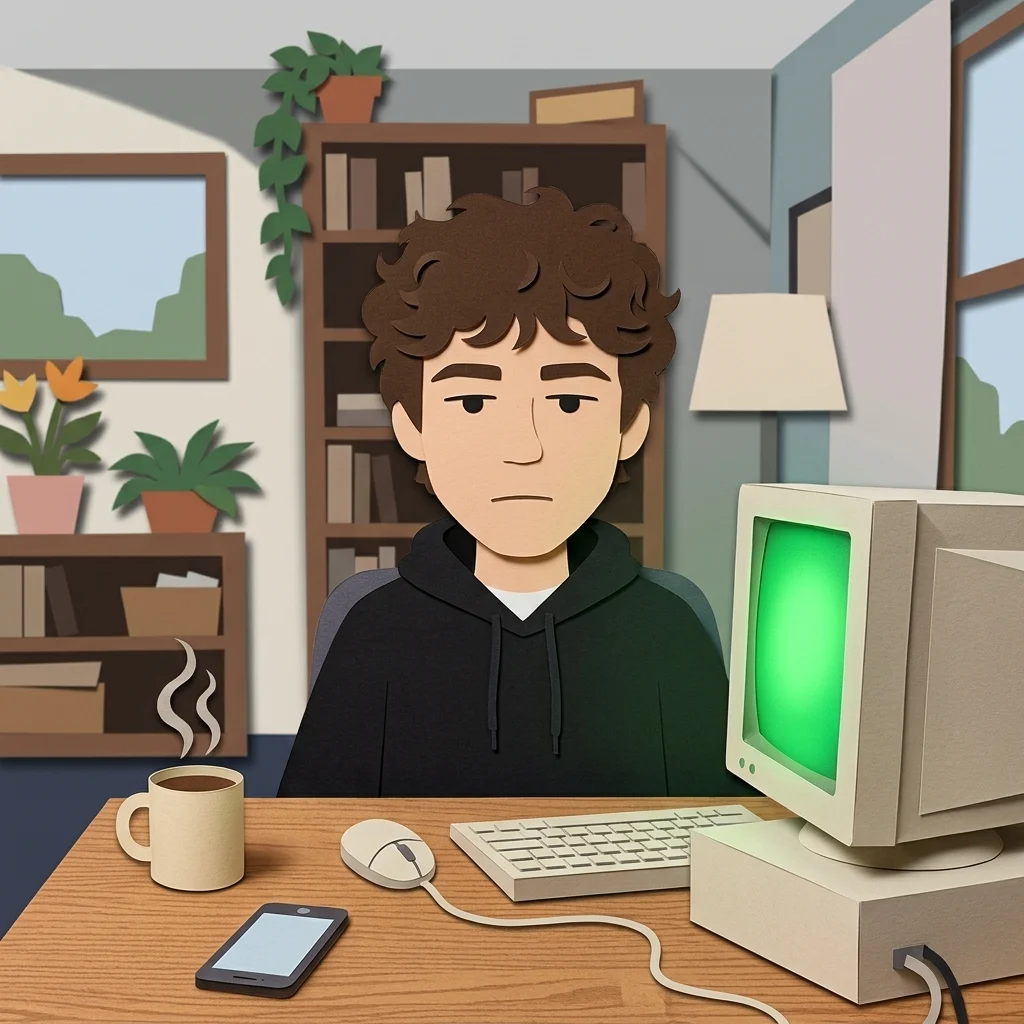
All looks above were made from the same photo: your photo. The people are fictional, generated by an image model.
The trend
What is the South Park AI Filter?
The cutout trend turns a selfie into the flat, deadpan construction-paper style people associate with a certain mountain-town cartoon: round head, dot eyes, a tiny body, your hair and jacket cut from coloured paper. It is funny because it is you, reduced to five shapes.
This app draws you as an original character in that paper-cutout style. Six scenes are ready: the bus stop in the snow, the classroom, the couch, the snowman, your dog, your desk. Tanvo is not affiliated with South Park or its makers, and nothing here draws a character from the show.
Who to cast
- The whole friend group
- Your pet as a cutout
- Your office desk
- Holding your usual coffee
- Snowboarding
- Family as cutouts for the card
More apps
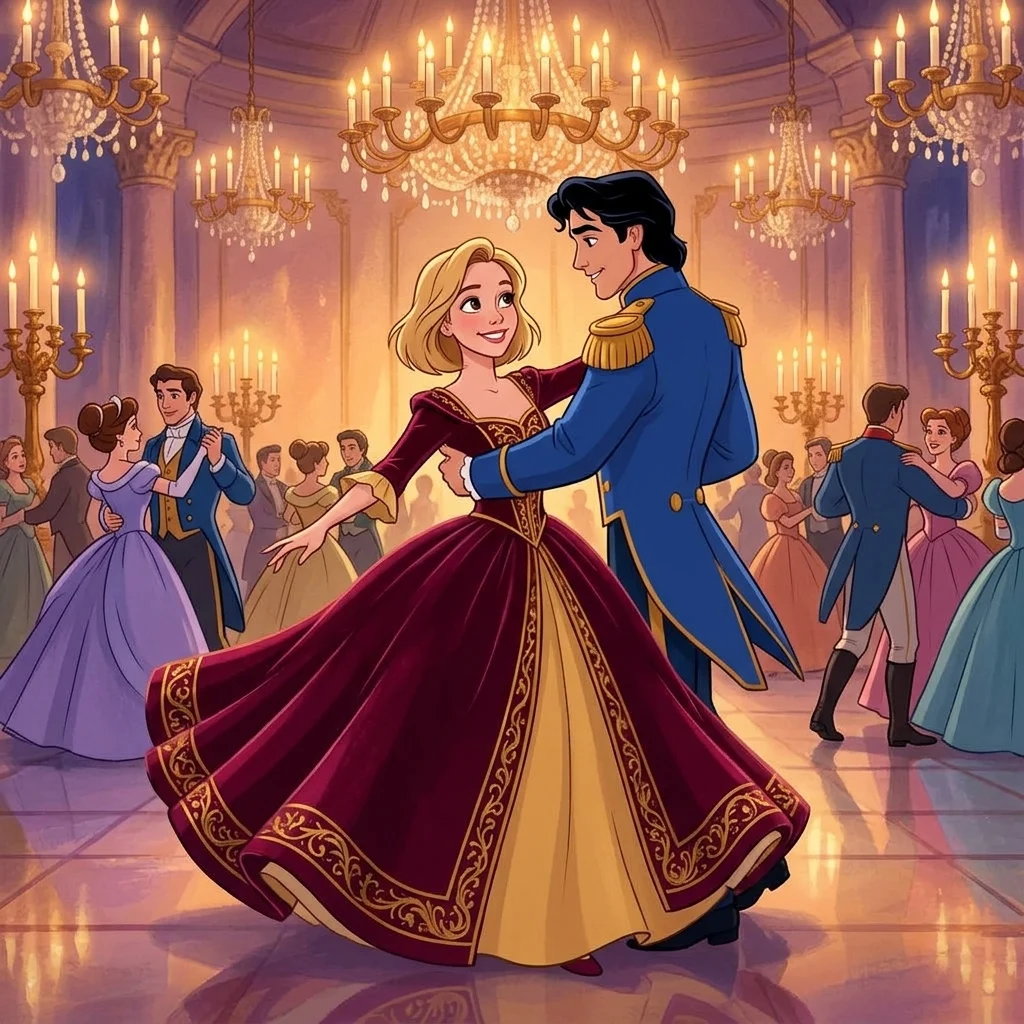
More apps like South Park AI Filter
Same idea, different result. Each opens ready to run.

How to use
How the image generator works
- 01
Upload a selfie
Face and hair clear; the hair colour and your jacket are what make the cutout yours.
- 02
Pick a scene
Six are ready. Add a prop or your pet in the box.
- 03
Generate
About a minute. Do your friends next for a group chat set.
Answers
South Park AI Filter FAQ
Pricing
You pay per generation, never per seat
Credits are shared across everything. You see the cost before each run.
No hidden fees · Cancel anytime · Failed runs refunded
Starter
15% OFF$8.3/month$9.9
$100 billed yearly
900 credits per month
- ≈ 45 quick 5s clips
- ≈ 7 Veo 3.1 Lite clips
- ≈ 36 Nano Banana 2 images
- No queue, instant start
- HD, watermark-free downloads
- Commercial use license
- All video and image models unlocked
- Native 4K output on supported models
- Video with native audio
- 3 generations at once
- Private generation
- Failed runs refunded automatically
- Up to 30s video per generation
Plus
20% OFFPopular$24/month$29.9
$288 billed yearly
4,500 credits per month
- ≈ 225 quick 5s clips
- ≈ 39 Veo 3.1 Lite clips
- ≈ 180 Nano Banana 2 images
- No queue, instant start
- HD, watermark-free downloads
- Commercial use license
- All video and image models unlocked
- Native 4K output on supported models
- Video with native audio
- 3 generations at once
- Private generation
- Failed runs refunded automatically
- Up to 30s video per generation
Pro
40% OFF$30/month$49.9
$360 billed yearly
8,500 credits per month
- ≈ 425 quick 5s clips
- ≈ 73 Veo 3.1 Lite clips
- ≈ 340 Nano Banana 2 images
- No queue, instant start
- HD, watermark-free downloads
- Commercial use license
- All video and image models unlocked
- Native 4K output on supported models
- Video with native audio
- 3 generations at once
- Private generation
- Failed runs refunded automatically
- Up to 30s video per generation
Try South Park AI Filter now
Make me a cutout. The look is set; add your photo and the result is a few minutes away.