One photo · 1K–4K
Disney Boyfriend Filter: Your Animated Fairytale Boyfriend
The TikTok trend: your selfie becomes a hand-drawn animated heroine, with a princely animated boyfriend beside you. Original characters in the classic fairytale style.
- Classic hand-drawn style
- Original characters
- Face kept
Disney Boyfriend Filter
Pick a look
tap to useModel
Nano Banana 2 runs from your account. Sign in now and everything you add here comes with you.
Your photo
(0/1)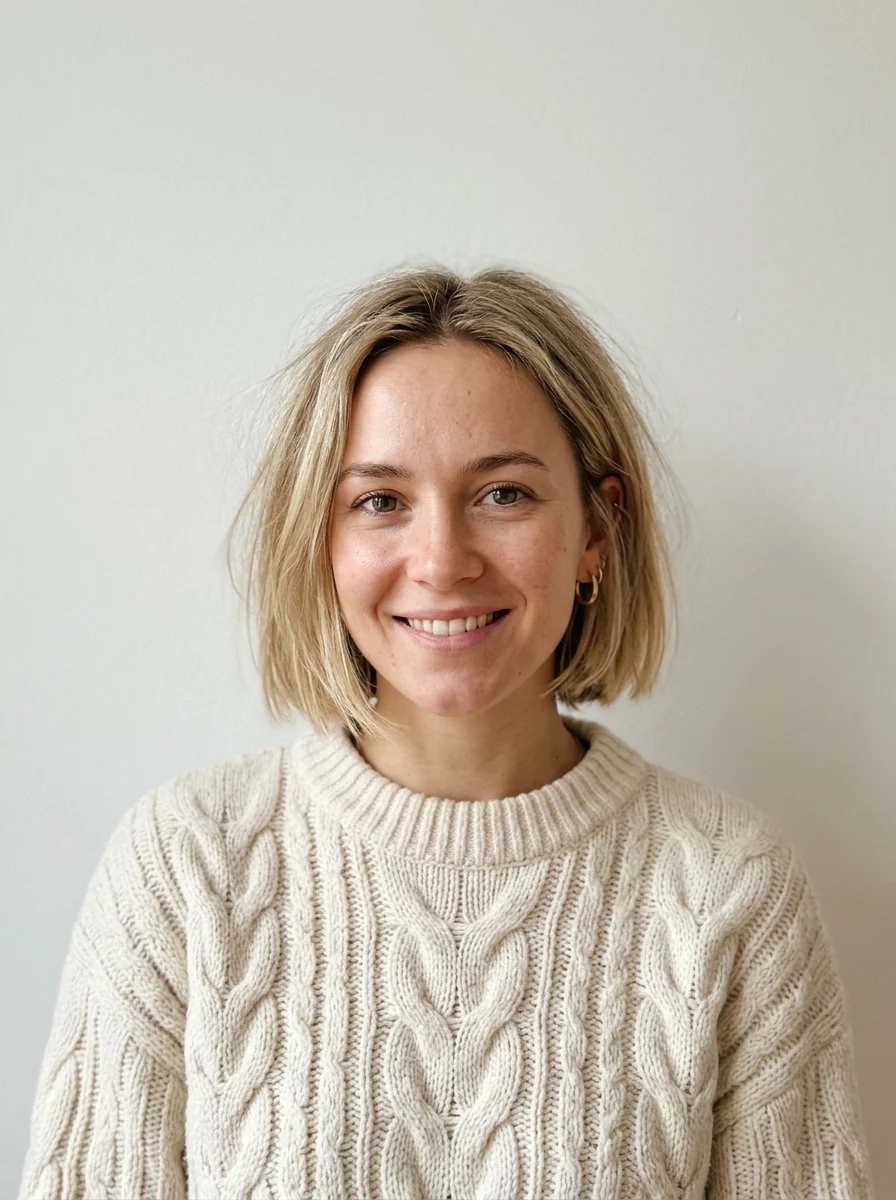
Make it yours
optionalA real name and one detail make it yours. Added to the prompt for you.
Aspect ratio
Resolution
Output format
Image preview
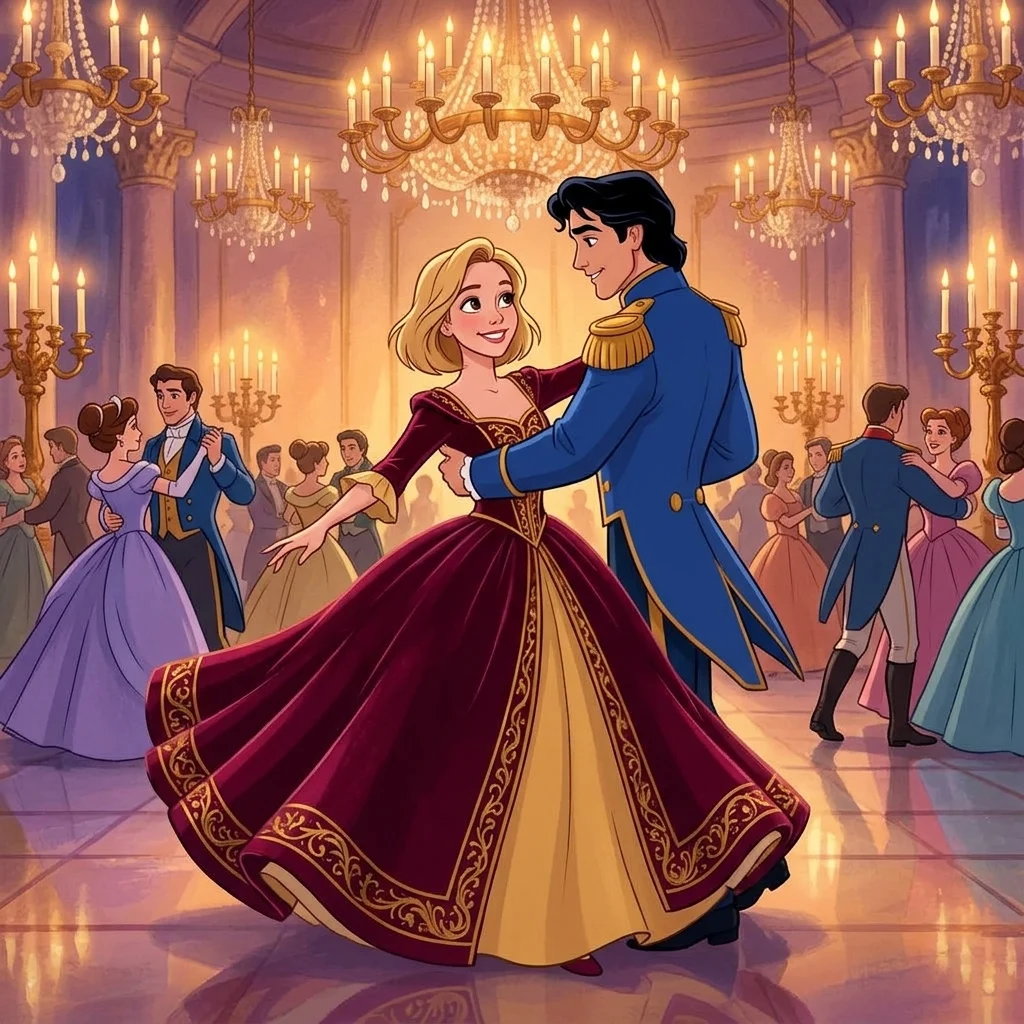 BeforeAfter
A real result from this app. Drag to compare, then add your own photo on the left.
Every look is a real result from this app. Pick one, add your photo, press the button.
Adult and NSFW content is strictly prohibited. Acceptable use
Before and after
One photo in, this out
A real result from this app. Drag the handle.
BeforeAfterLooks
6 looks, one upload
Each look is a preset prompt with a real result. Pick one in the generator; the photo stays, the look changes.
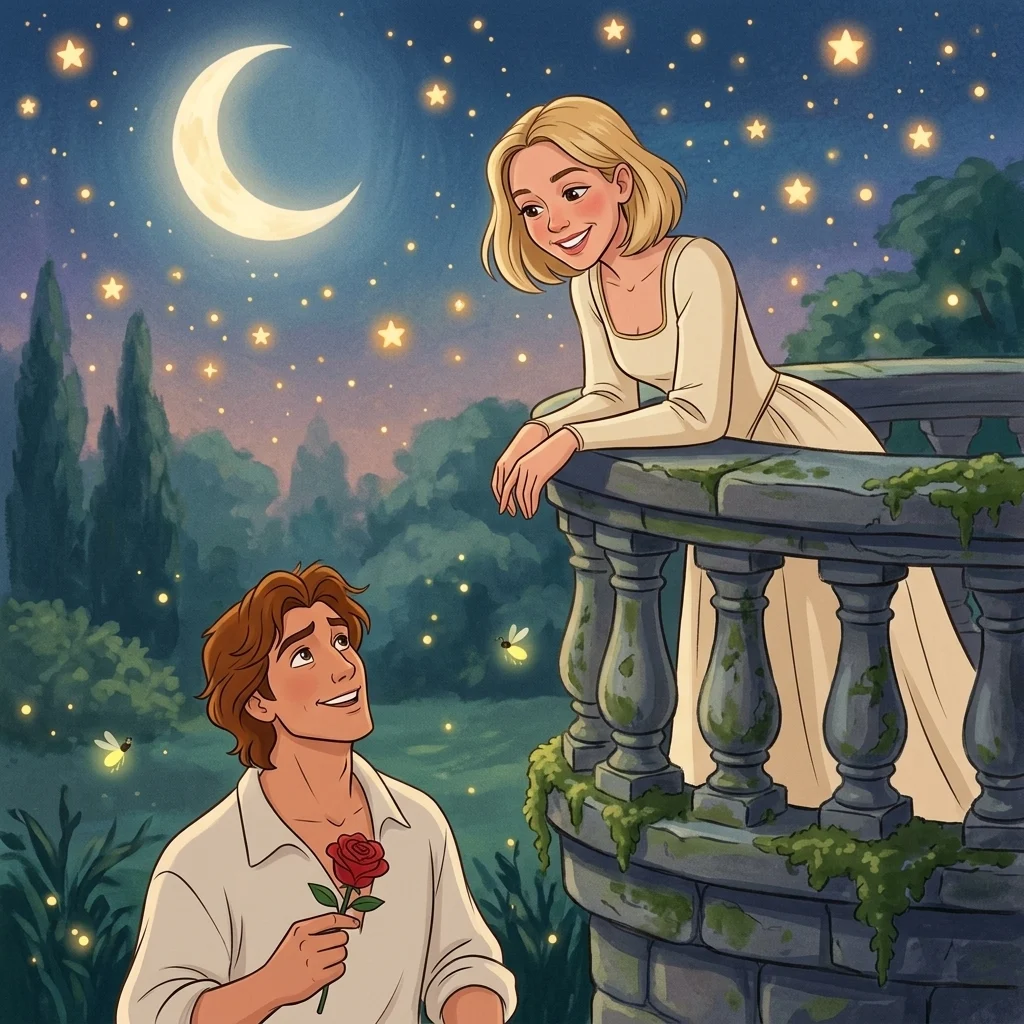
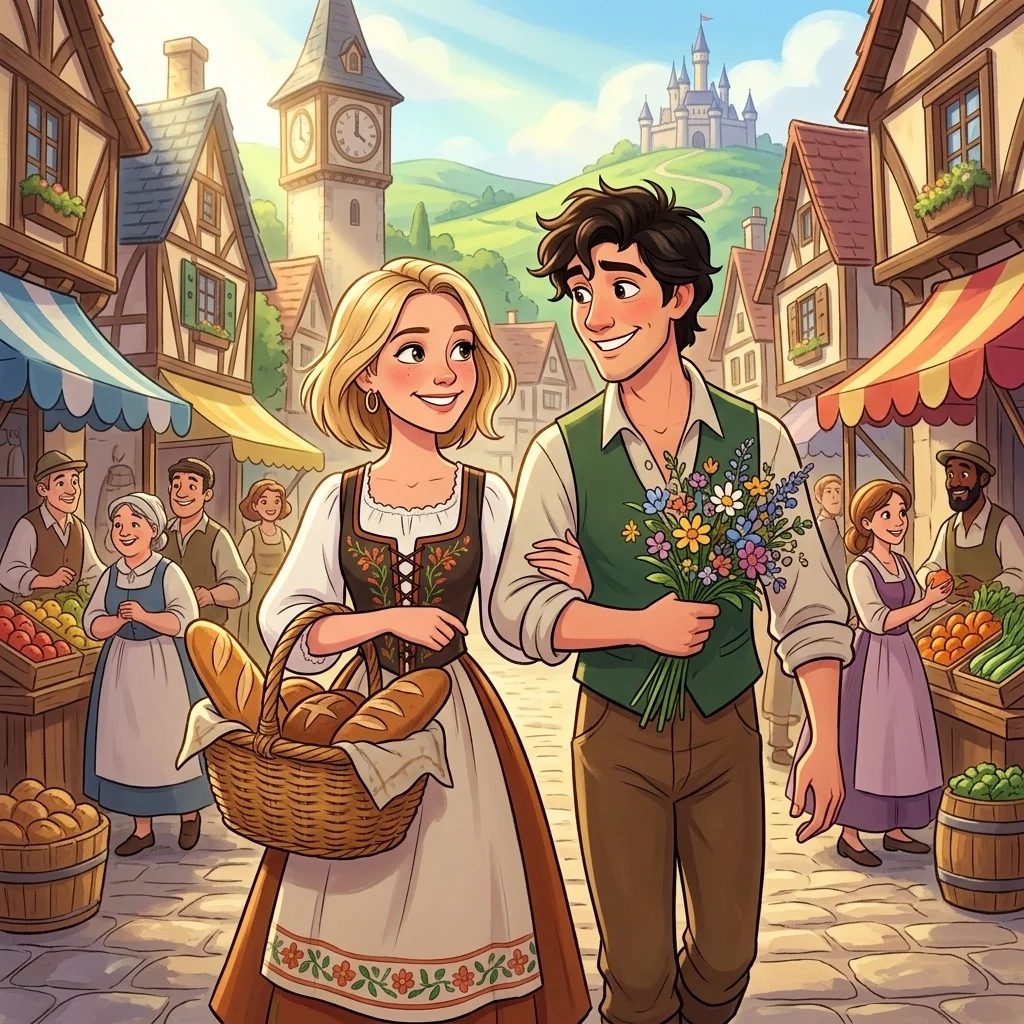
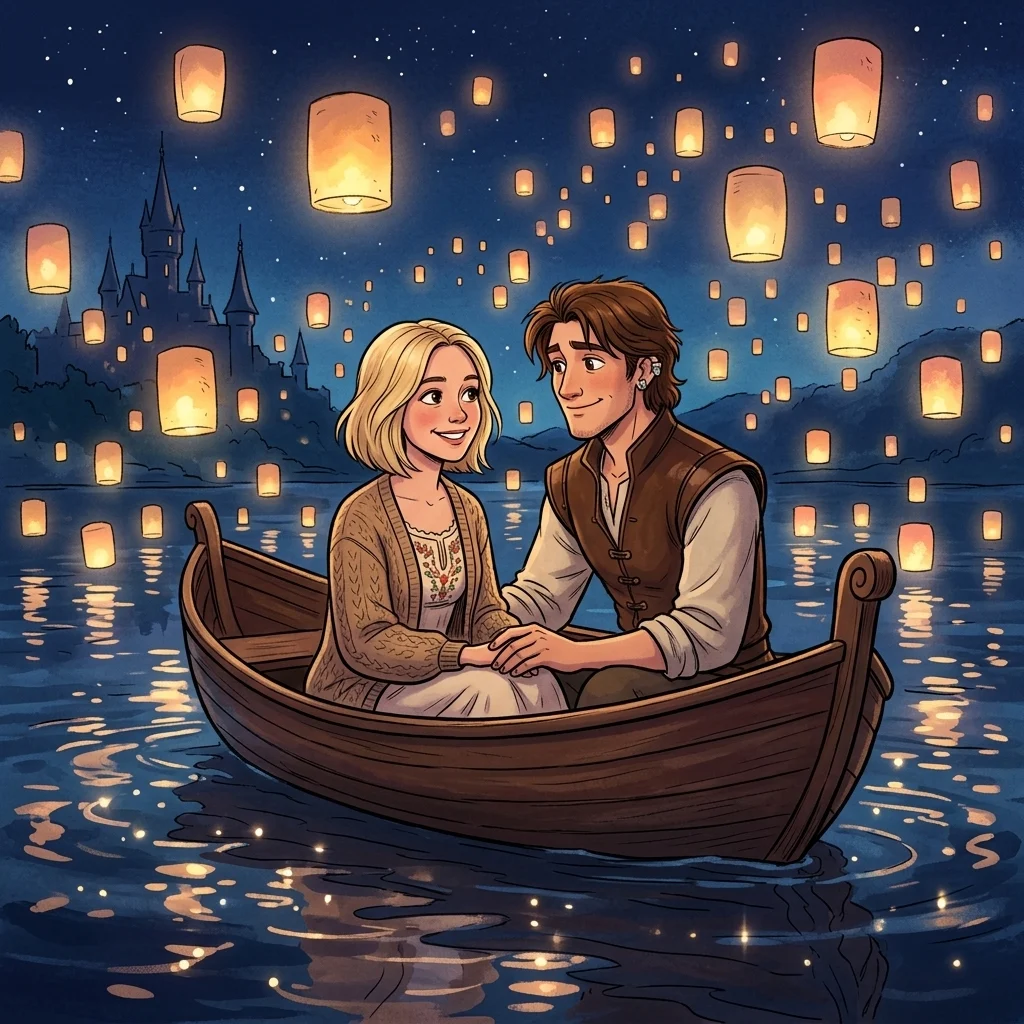
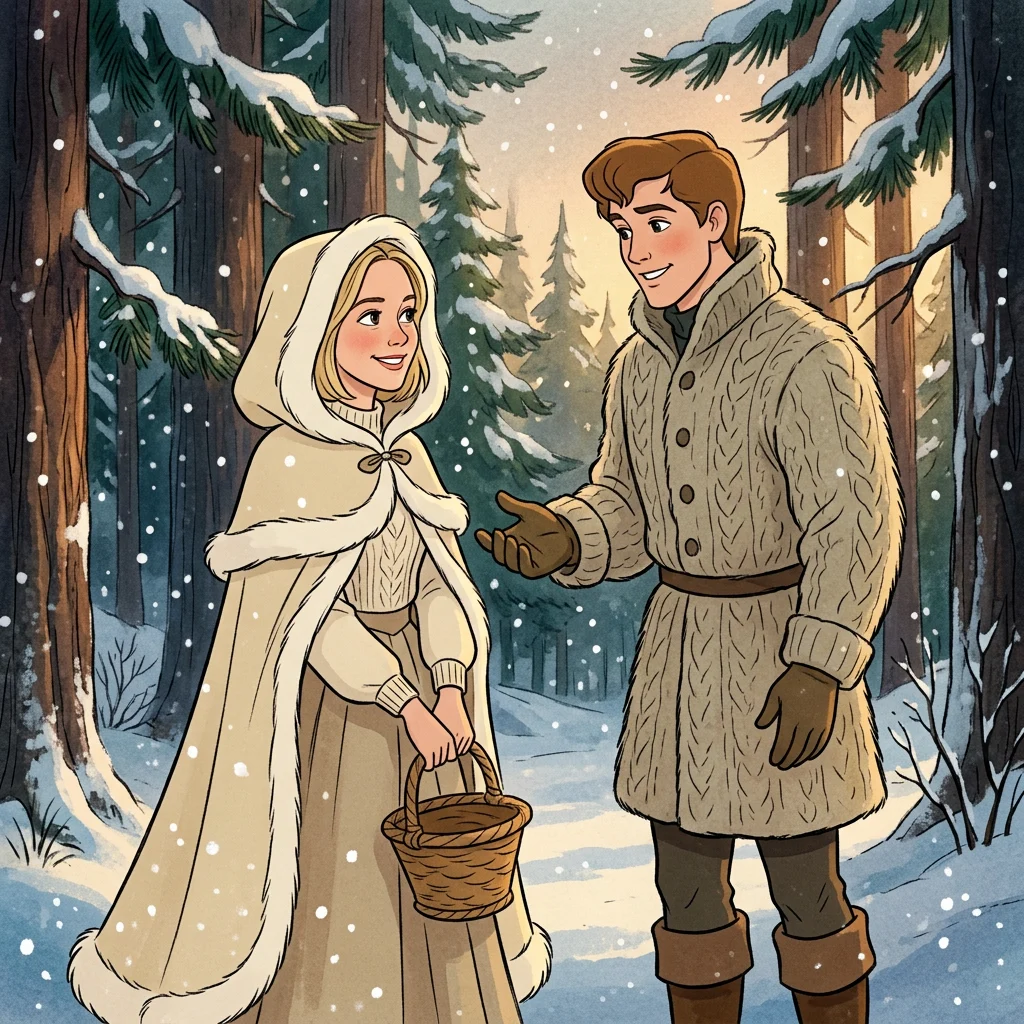
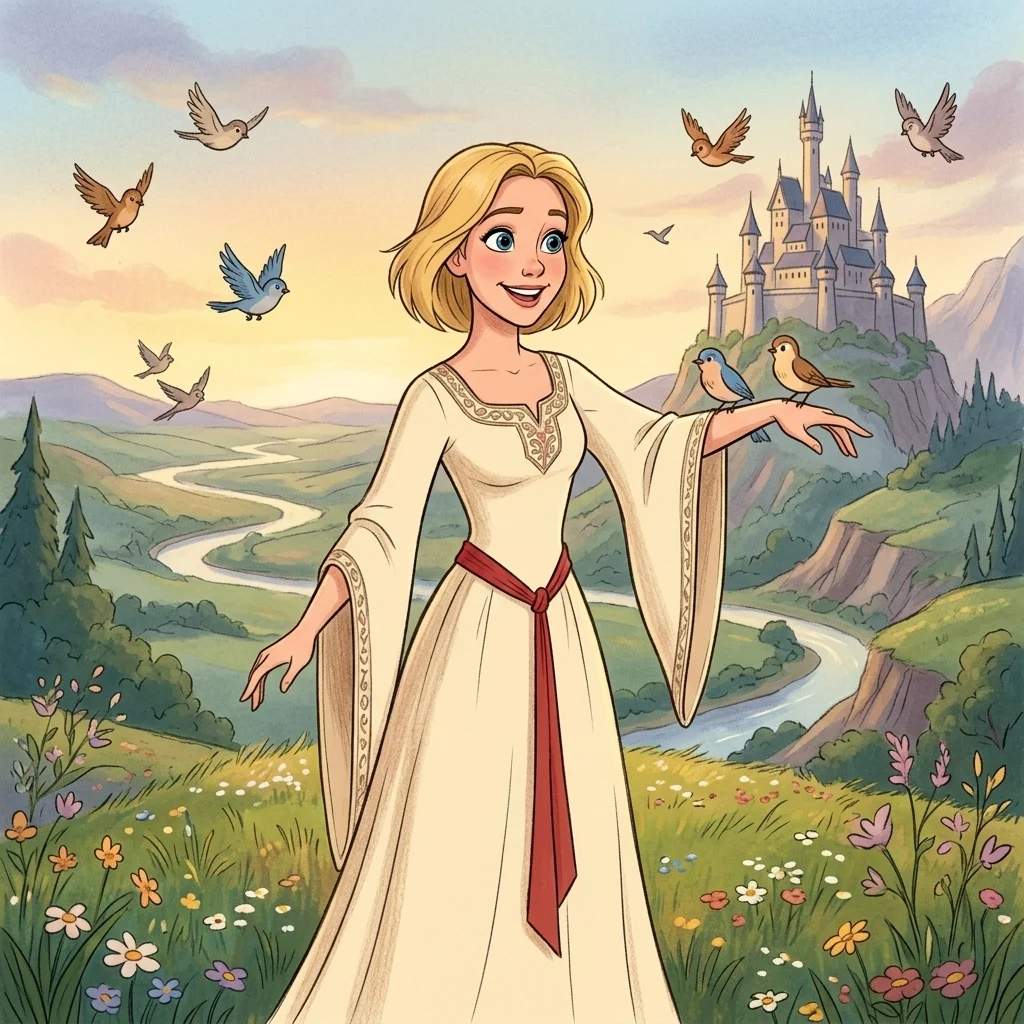
All looks above were made from the same photo: your photo. The people are fictional, generated by an image model.
The trend
What is the Disney Boyfriend Filter?
The Disney boyfriend filter is the TikTok format where a selfie turns into a frame from a classic hand-drawn animated romance, complete with the kind of boyfriend those films hand out: tall, kind-eyed, holding a rose. The fun is the contrast between your real photo and the painted version.
This app draws you in that classic 1990s hand-drawn style with original characters: your face stays recognisable, the boyfriend is described by you, and nothing is taken from any existing film. Six scenes are ready; describe his hair, his outfit, or swap him for a girlfriend in the box.
Who to cast
- Describe your real partner
- Your dream type
- Girlfriend version
- Solo princess
- Best friend as the sidekick
- Your dog as the animal companion
More apps
More apps like Disney Boyfriend Filter
Same idea, different result. Each opens ready to run.
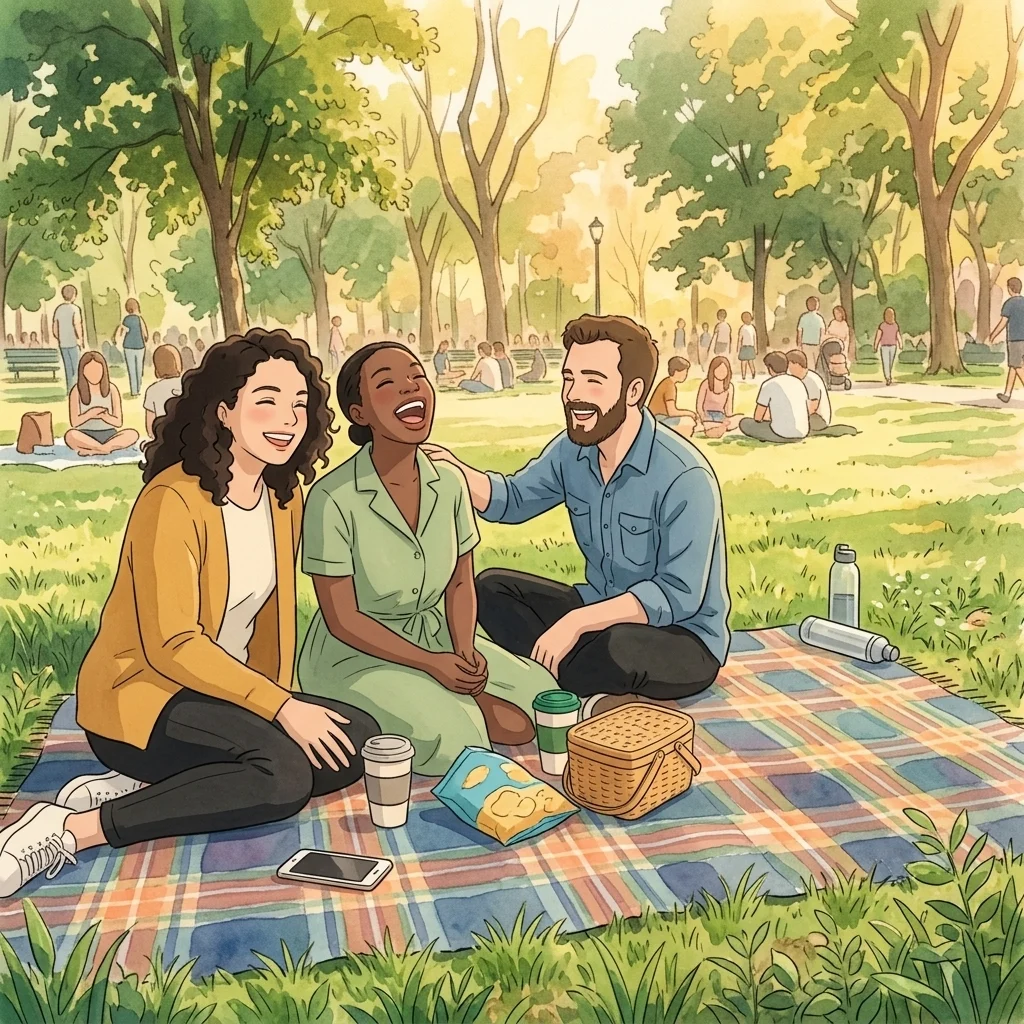
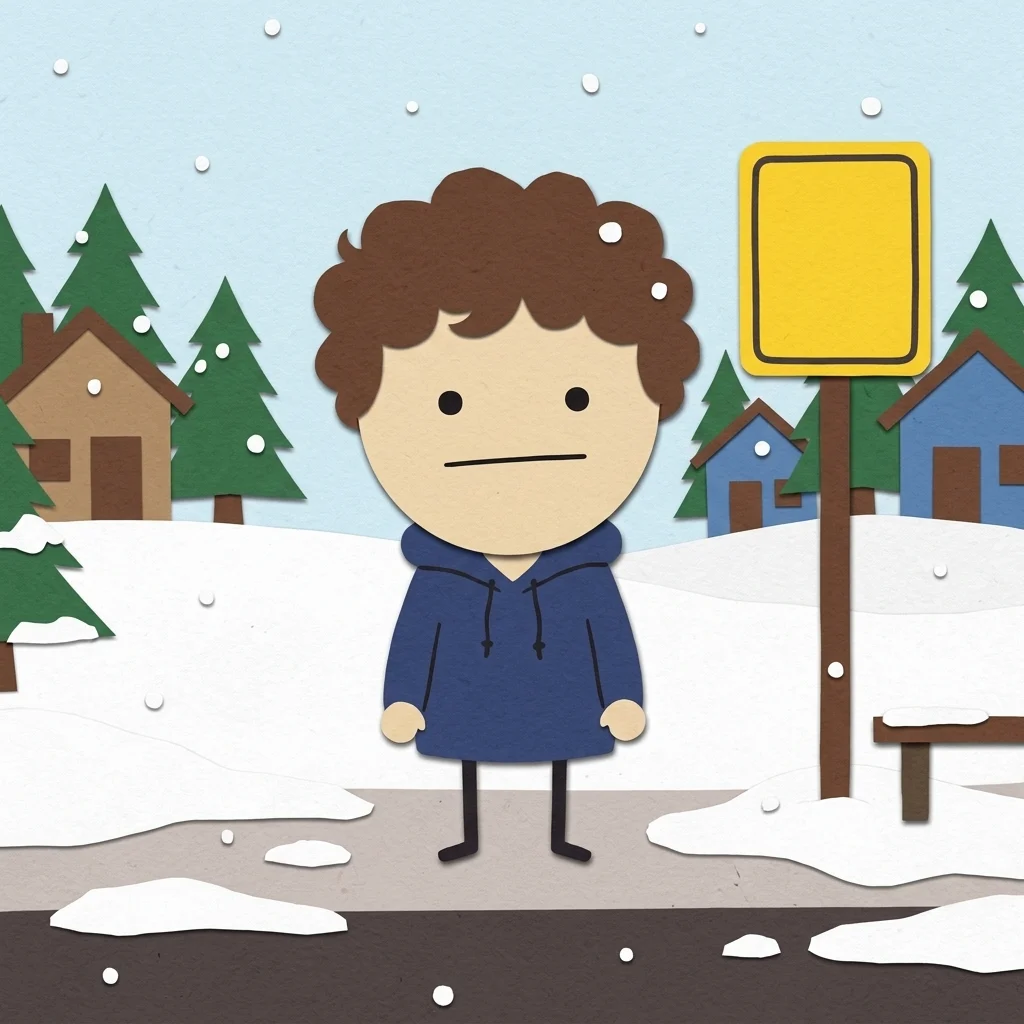
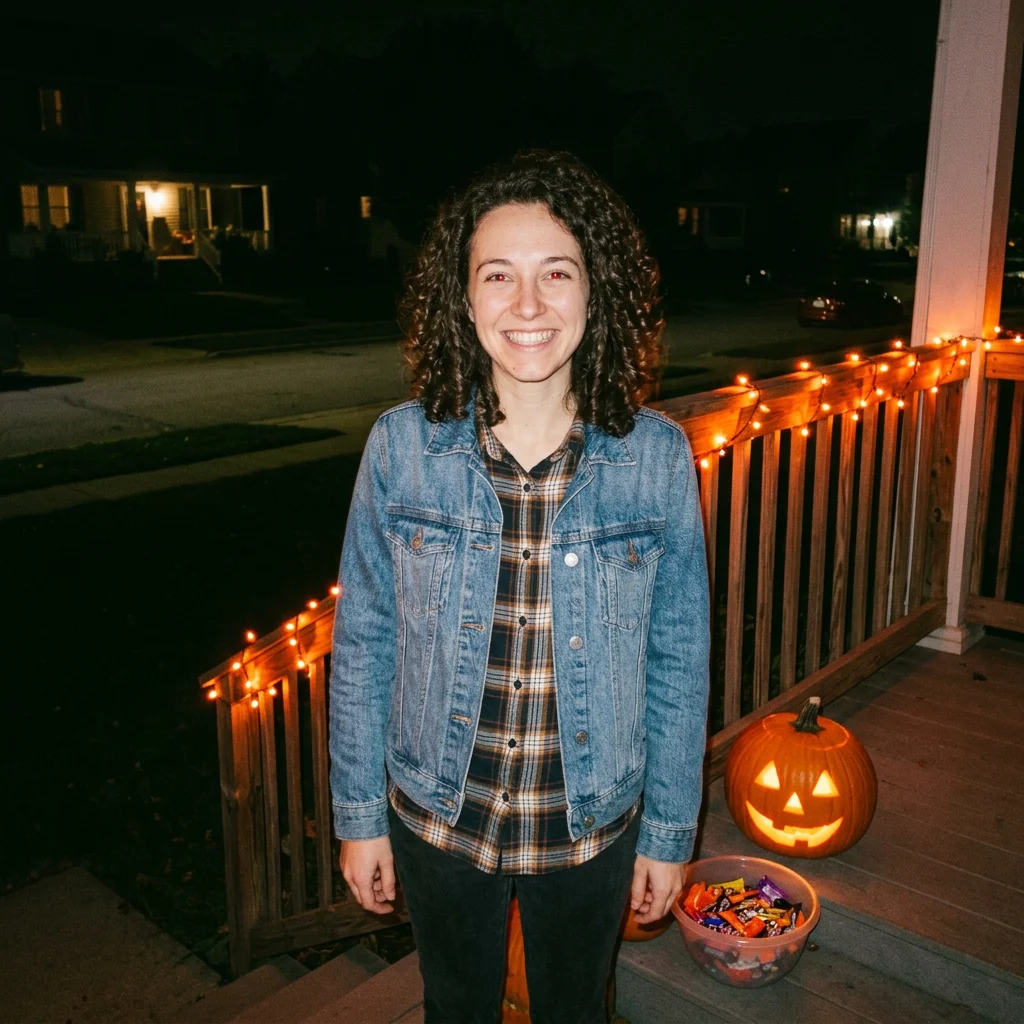
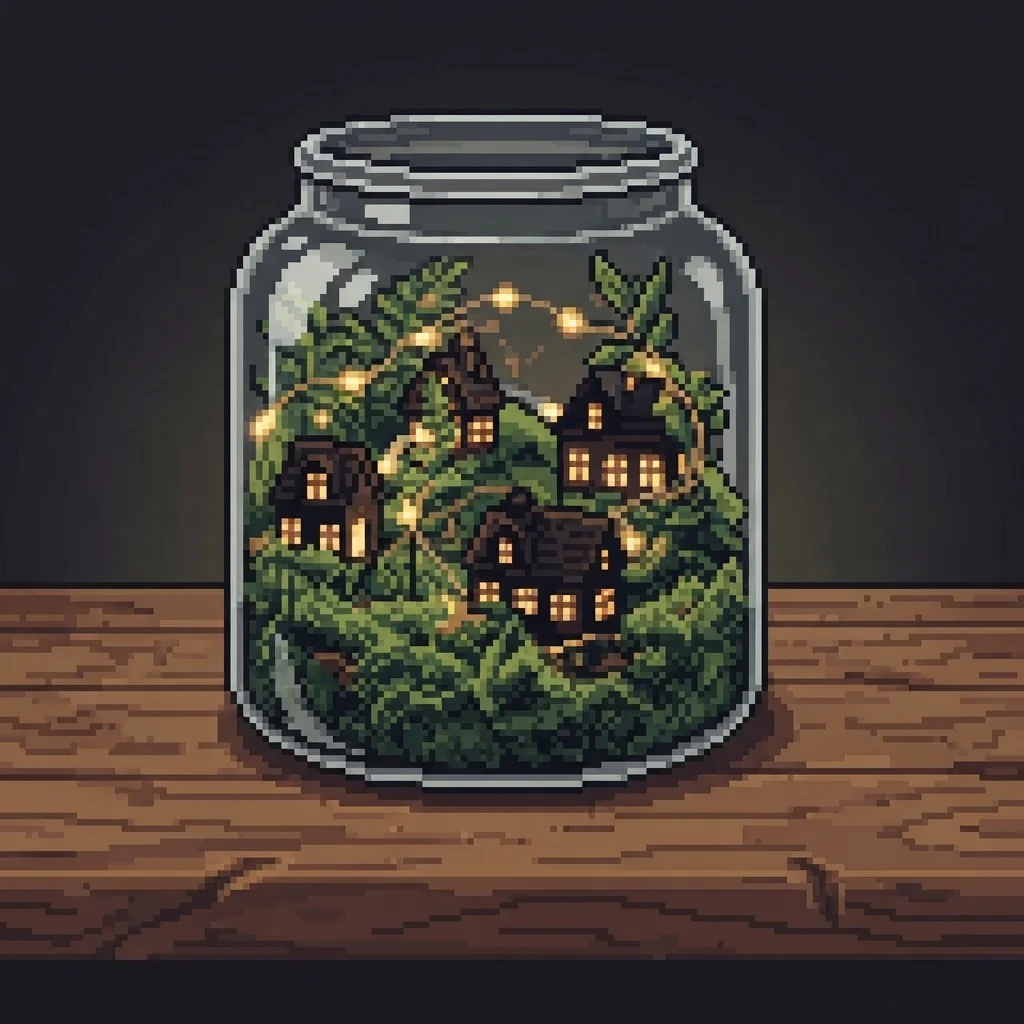
How to use
How the image generator works
- 01
Upload a selfie
Face clear, any background.
- 02
Pick a scene and describe the partner
Ballroom, balcony, market, lanterns, snow or solo. Add “curly dark hair and a guitar” in the box.
- 03
Generate
About a minute. Post the selfie and the painted version together.
Answers
Disney Boyfriend Filter FAQ
Pricing
You pay per generation, never per seat
Credits are shared across everything. You see the cost before each run.
No hidden fees · Cancel anytime · Failed runs refunded
Starter
15% OFF$8.3/month$9.9
$100 billed yearly
900 credits per month
- ≈ 45 quick 5s clips
- ≈ 7 Veo 3.1 Lite clips
- ≈ 36 Nano Banana 2 images
- No queue, instant start
- HD, watermark-free downloads
- Commercial use license
- All video and image models unlocked
- Native 4K output on supported models
- Video with native audio
- 3 generations at once
- Private generation
- Failed runs refunded automatically
- Up to 30s video per generation
Plus
20% OFFPopular$24/month$29.9
$288 billed yearly
4,500 credits per month
- ≈ 225 quick 5s clips
- ≈ 39 Veo 3.1 Lite clips
- ≈ 180 Nano Banana 2 images
- No queue, instant start
- HD, watermark-free downloads
- Commercial use license
- All video and image models unlocked
- Native 4K output on supported models
- Video with native audio
- 3 generations at once
- Private generation
- Failed runs refunded automatically
- Up to 30s video per generation
Pro
40% OFF$30/month$49.9
$360 billed yearly
8,500 credits per month
- ≈ 425 quick 5s clips
- ≈ 73 Veo 3.1 Lite clips
- ≈ 340 Nano Banana 2 images
- No queue, instant start
- HD, watermark-free downloads
- Commercial use license
- All video and image models unlocked
- Native 4K output on supported models
- Video with native audio
- 3 generations at once
- Private generation
- Failed runs refunded automatically
- Up to 30s video per generation
Try Disney Boyfriend Filter now
Make me a cartoon. The look is set; add your photo and the result is a few minutes away.