One photo · original shape · 1K–2K
Remove Color From Image: Black and White, Colour Splash or One Colour
True black and white with every tone kept, a darkroom-contrast print, a colour splash, one colour taken out, or a clean white backdrop for listings.
- Every detail kept
- Keep or drop one colour
- Your photo's shape kept
Remove Color From Image
Pick a look
tap to useModel
Nano Banana 2 runs from your account. Sign in now and everything you add here comes with you.
Your photo
(0/1)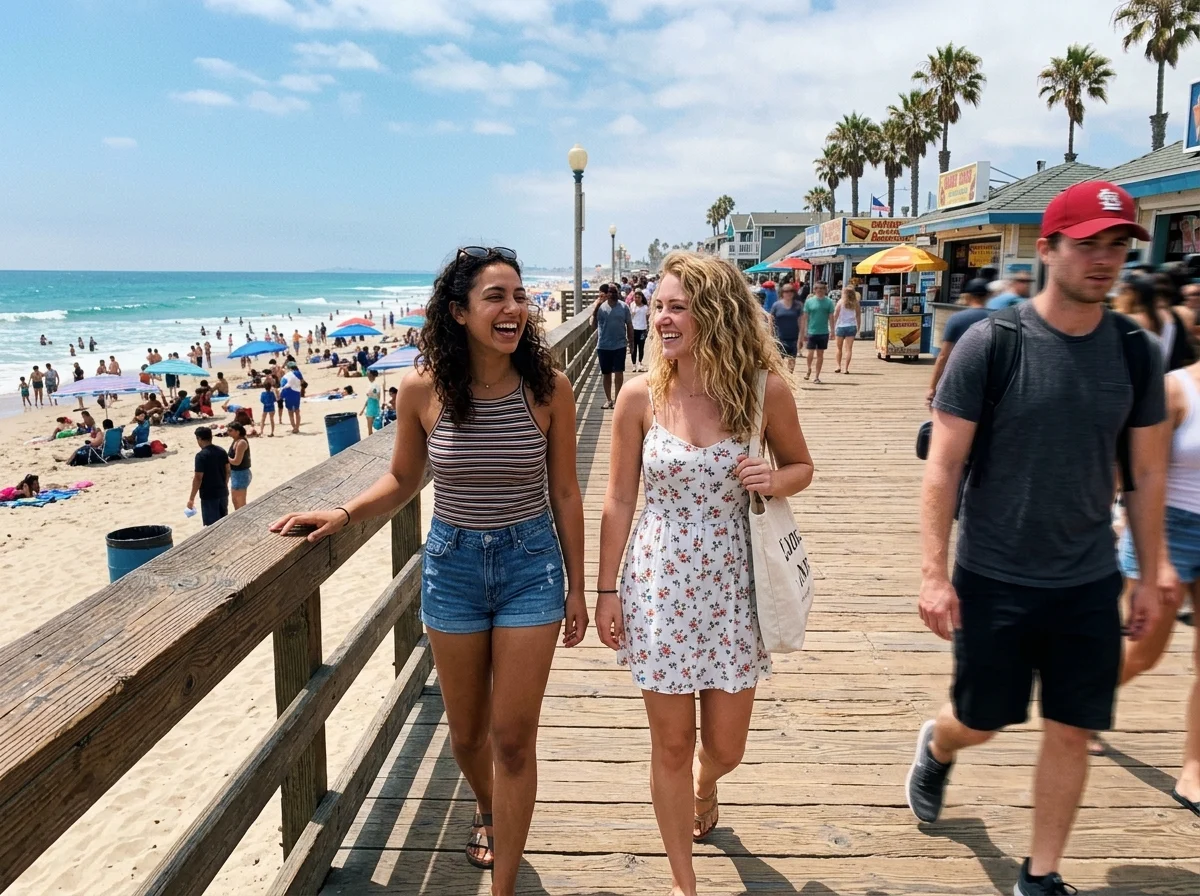
Which colour
optionalA real name and one detail make it yours. Added to the prompt for you.
Aspect ratio
Resolution
Output format
Image preview
Every look is a real result from this app. Pick one, add your photo, press the button.
Adult and NSFW content is strictly prohibited. Acceptable use
Looks
5 looks, one upload
Each look is a preset prompt with a real result. Pick one in the generator; the photo stays, the look changes.
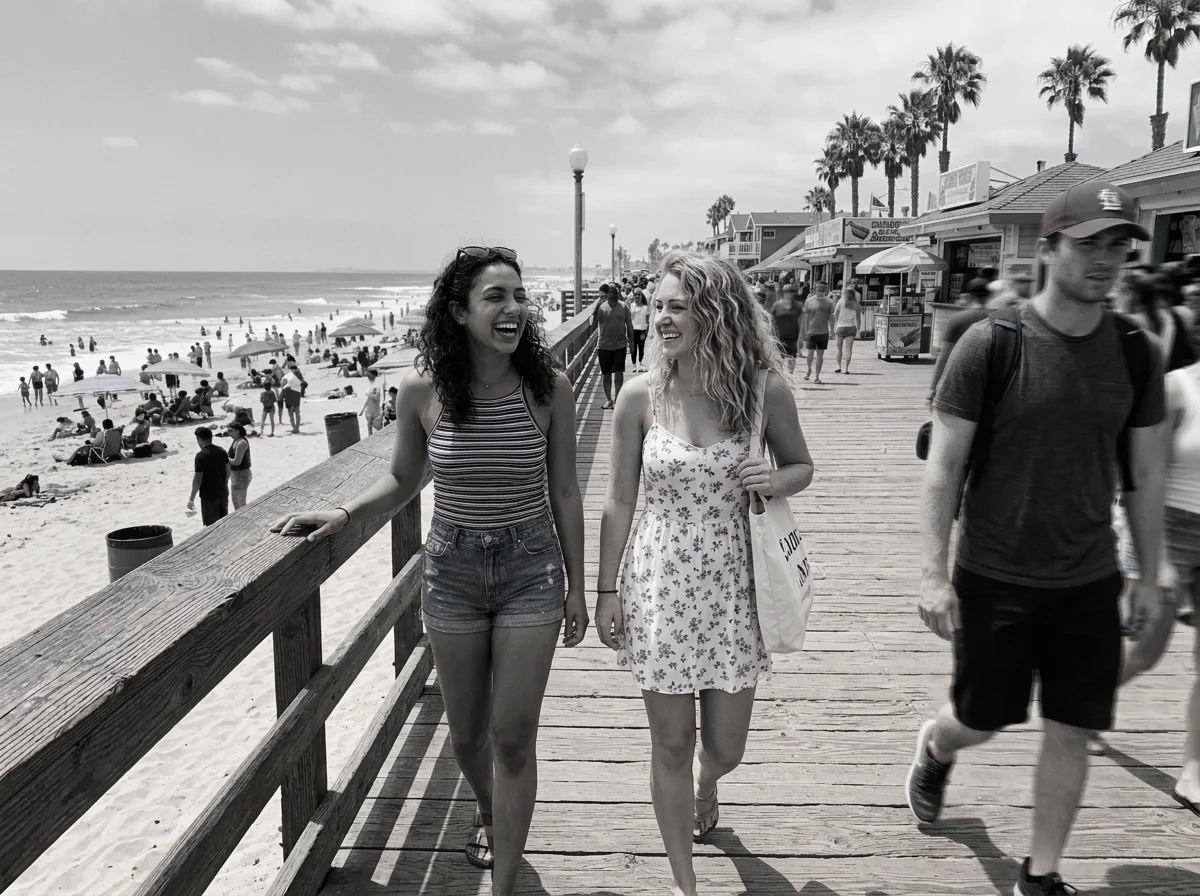
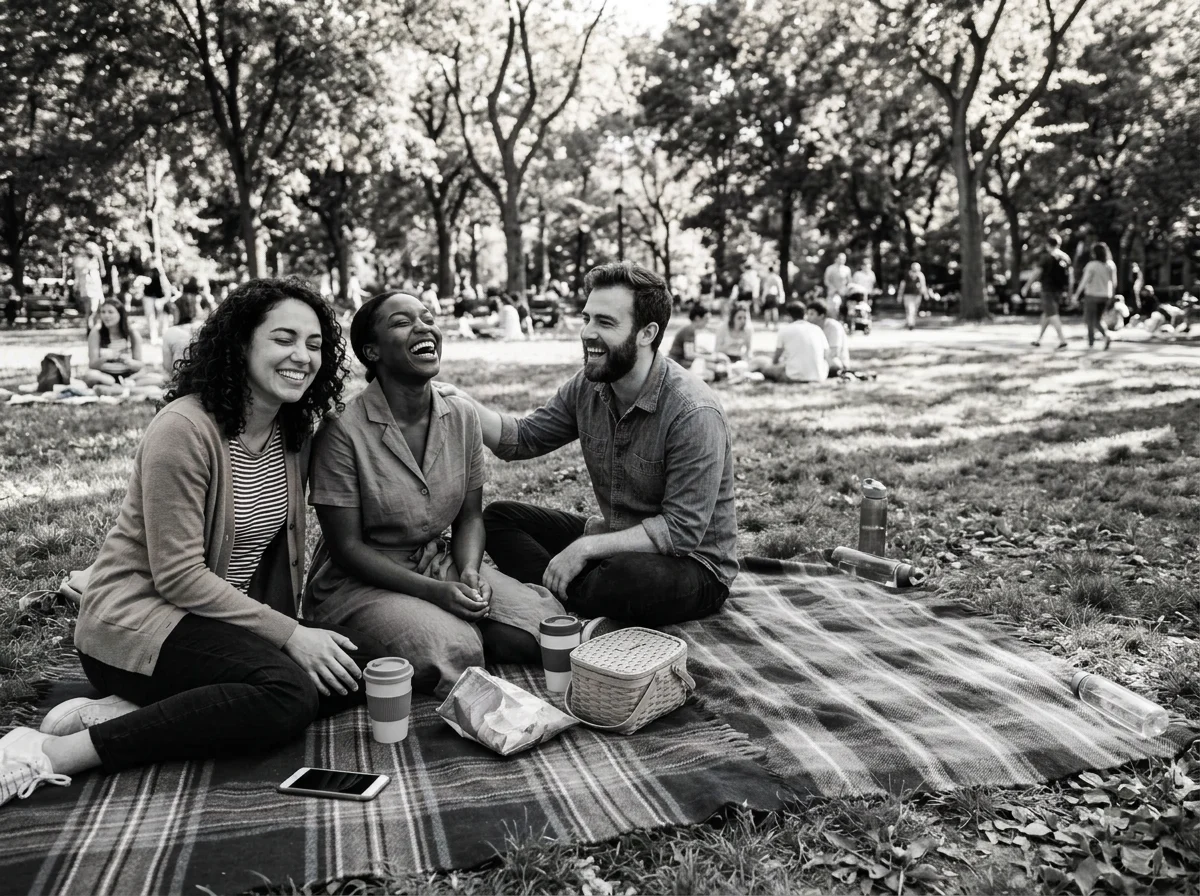
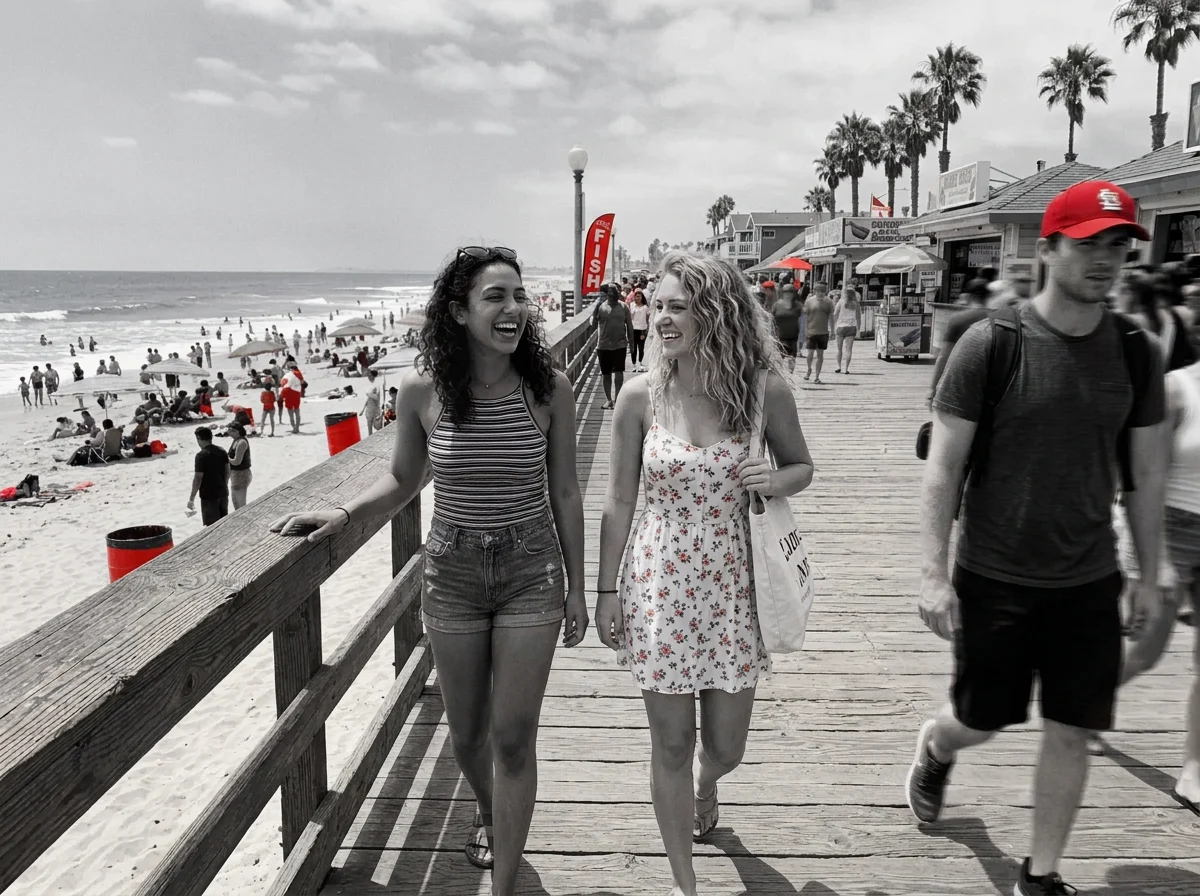
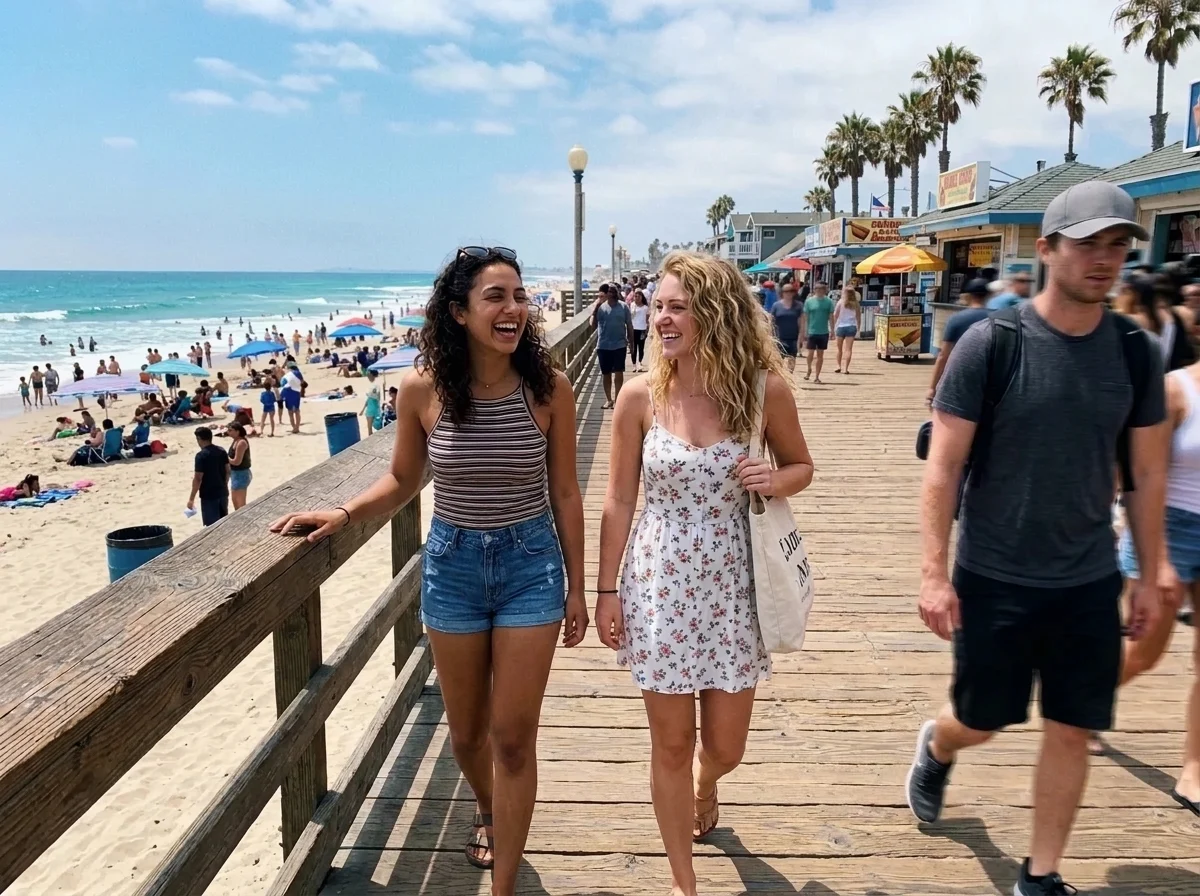
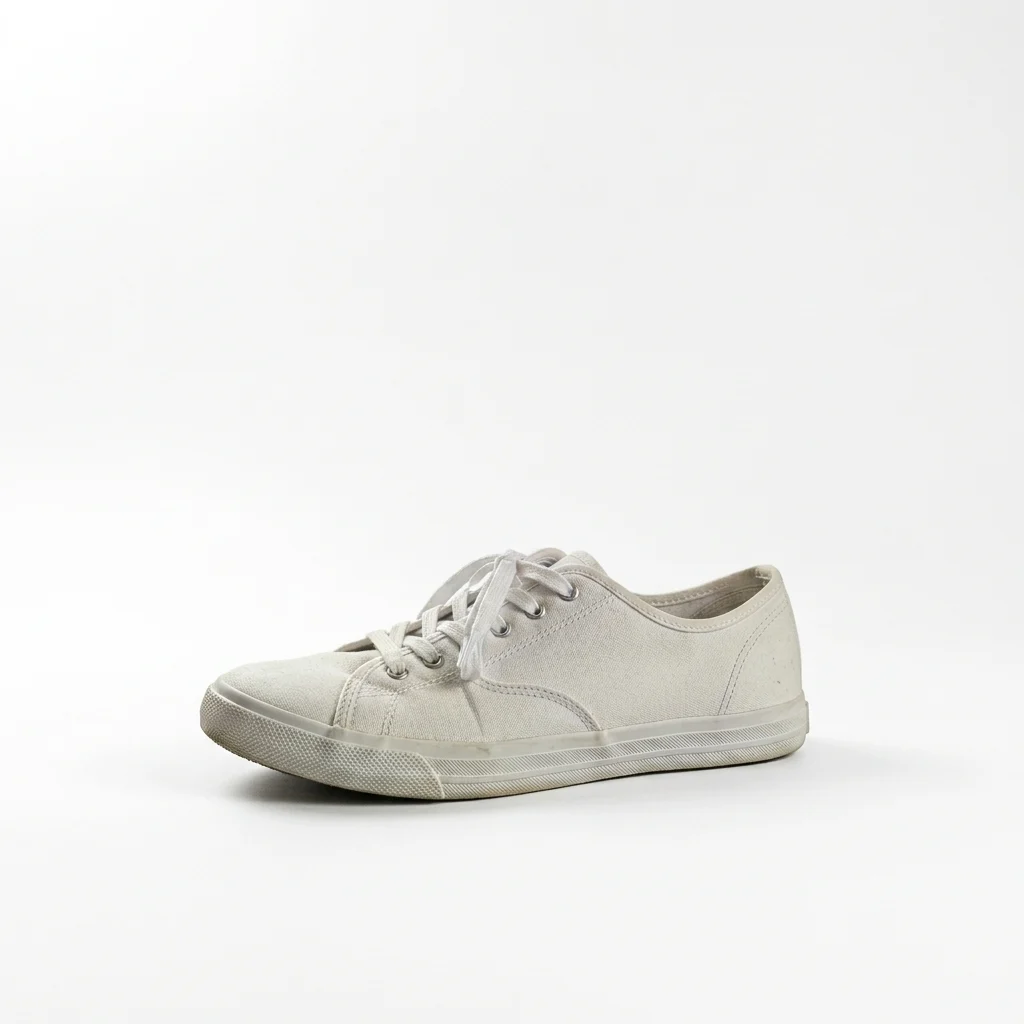
All looks above were made from the same photo: your photo. The people are fictional, generated by an image model.
The trend
What is the Remove Color From Image?
Removing colour from an image can mean several things: a proper black-and-white version, a colour splash where only one colour stays, getting rid of one colour that ruins the picture, or swapping a coloured backdrop for clean white. This tool does all of them from one photo.
Pick a look and, for the colour ones, say which colour in the box: keep only the red, or remove the green. Everything else in the photo stays as it was, with the same framing and detail, and the picture keeps its own shape. Note that this repaints your photo; it does not make a transparent PNG or a mask.
Who to cast
- A black and white portrait
- Only the red dress in colour
- Remove a green colour cast
- White background for a product listing
- Moody darkroom street photo
- Only the yellow flowers in colour
More apps
More apps like Remove Color From Image
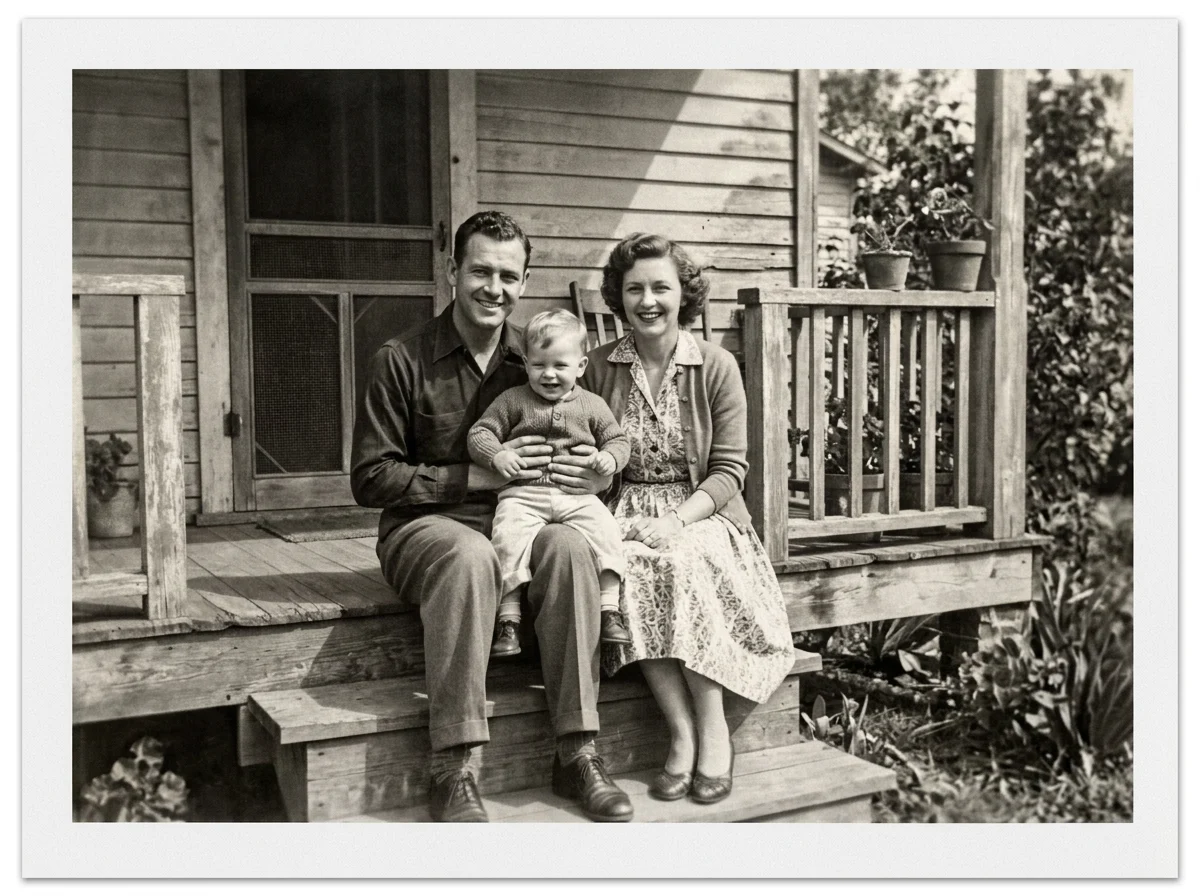
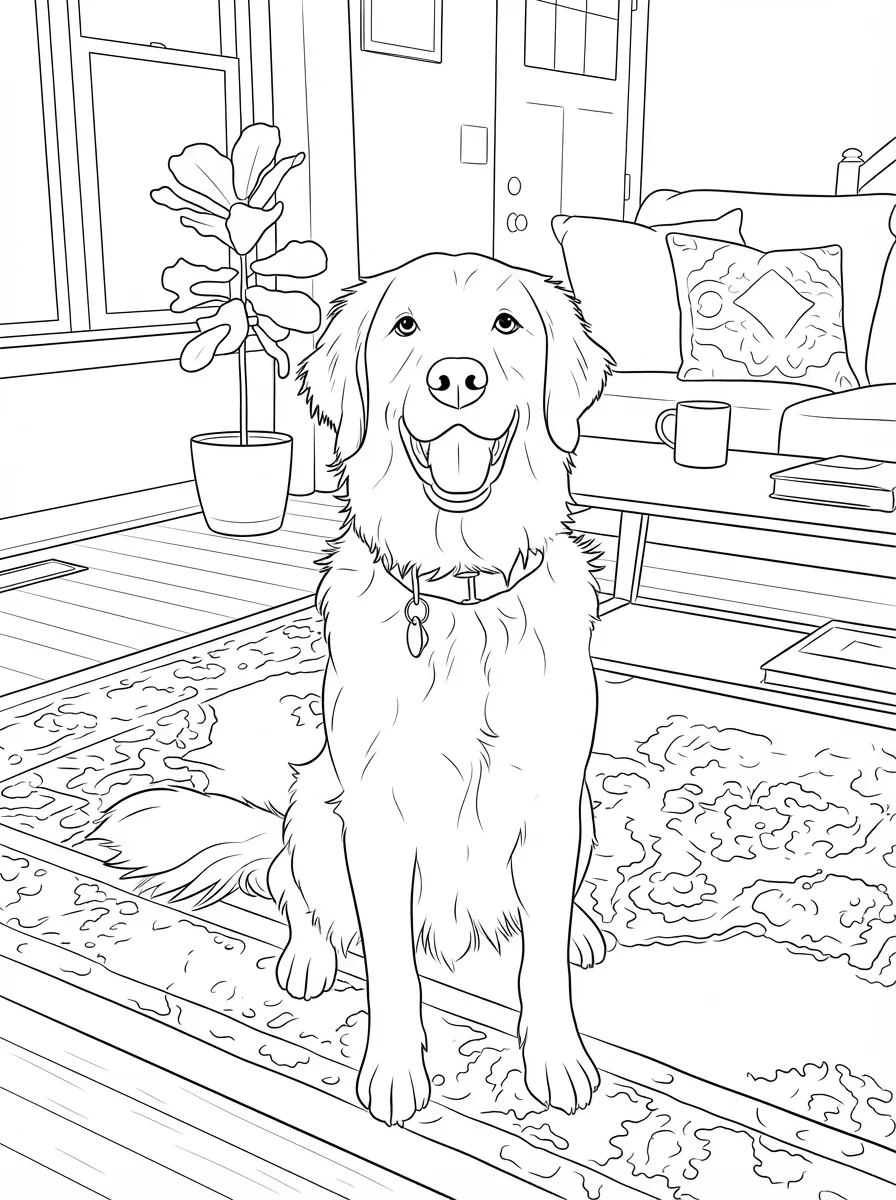
Same idea, different result. Each opens ready to run.


How to use
How the image generator works
- 01
Upload a photo
Any photo, the sharper the better.
- 02
Pick what to remove
True black and white, darkroom contrast, keep one colour, remove one colour, or coloured background to white. Name the colour in the box for the colour looks.
- 03
Download
Save the result and compare it with the original at full size.
Answers
Remove Color From Image FAQ
Pricing
You pay per generation, never per seat
Credits are shared across everything. You see the cost before each run.
No hidden fees · Cancel anytime · Failed runs refunded
Starter
15% OFF$8.3/month$9.9
$100 billed yearly
900 credits per month
- ≈ 45 quick 5s clips
- ≈ 7 Veo 3.1 Lite clips
- ≈ 36 Nano Banana 2 images
- Up to 3 generations at once
- Commercial use license
- All video and image models unlocked
- Native 4K output on supported models
- Video with native audio
- 3 generations at once
- Private generation
- Failed runs refunded automatically
Plus
20% OFFPopular$24/month$29.9
$288 billed yearly
4,500 credits per month
- ≈ 225 quick 5s clips
- ≈ 39 Veo 3.1 Lite clips
- ≈ 180 Nano Banana 2 images
- Up to 3 generations at once
- Commercial use license
- All video and image models unlocked
- Native 4K output on supported models
- Video with native audio
- 3 generations at once
- Private generation
- Failed runs refunded automatically
Pro
40% OFF$30/month$49.9
$360 billed yearly
8,500 credits per month
- ≈ 425 quick 5s clips
- ≈ 73 Veo 3.1 Lite clips
- ≈ 340 Nano Banana 2 images
- Up to 3 generations at once
- Commercial use license
- All video and image models unlocked
- Native 4K output on supported models
- Video with native audio
- 3 generations at once
- Private generation
- Failed runs refunded automatically
Try Remove Color From Image now
Remove the colour. The look is set; add your photo and the result is a few minutes away.