Text · animated GIF · square or vertical
AI GIF Generator: Text to Animated GIF in One Line
Describe the subject and one motion, put any words in quotes, and GPT Image 2.6 draws a short animated GIF that loops forever. No video to cut, no frames to line up.
- Text to GIF
- Words in quotes spelled right
- Loops forever
AI GIF Generator
Pick a look
tap to useModel
GPT Image 2.6 runs from your account. Sign in now and everything you add here comes with you.
Aspect ratio
Resolution
Output format
Image preview
Every look is a real result from this app. Pick one, add your photo, press the button.
Adult and NSFW content is strictly prohibited. Acceptable use
Looks
4 looks, one upload
Each look is a preset prompt with a real result. Pick one in the generator; the photo stays, the look changes.
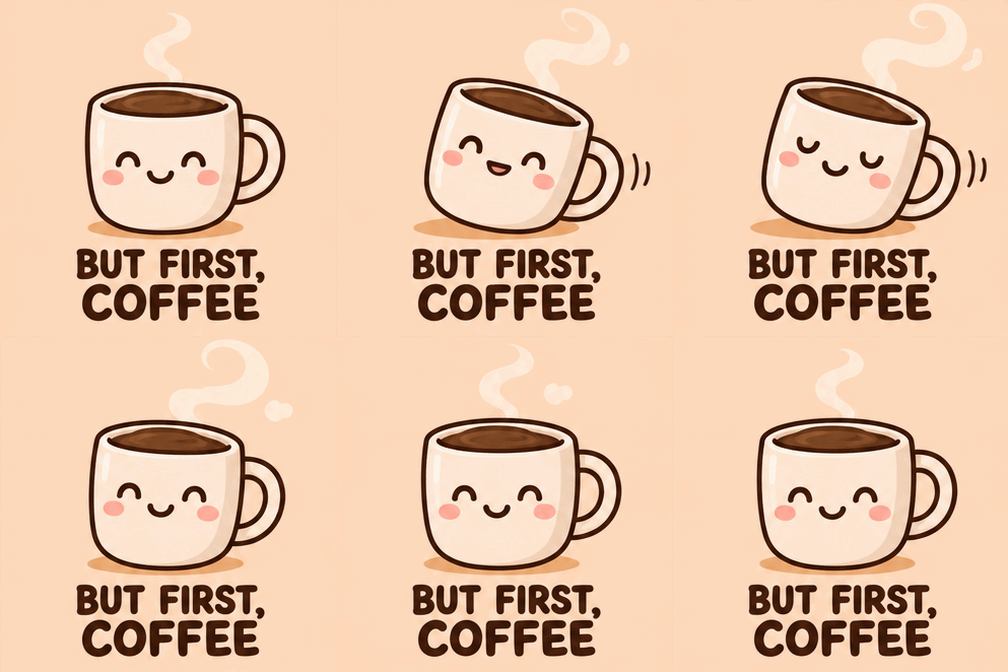
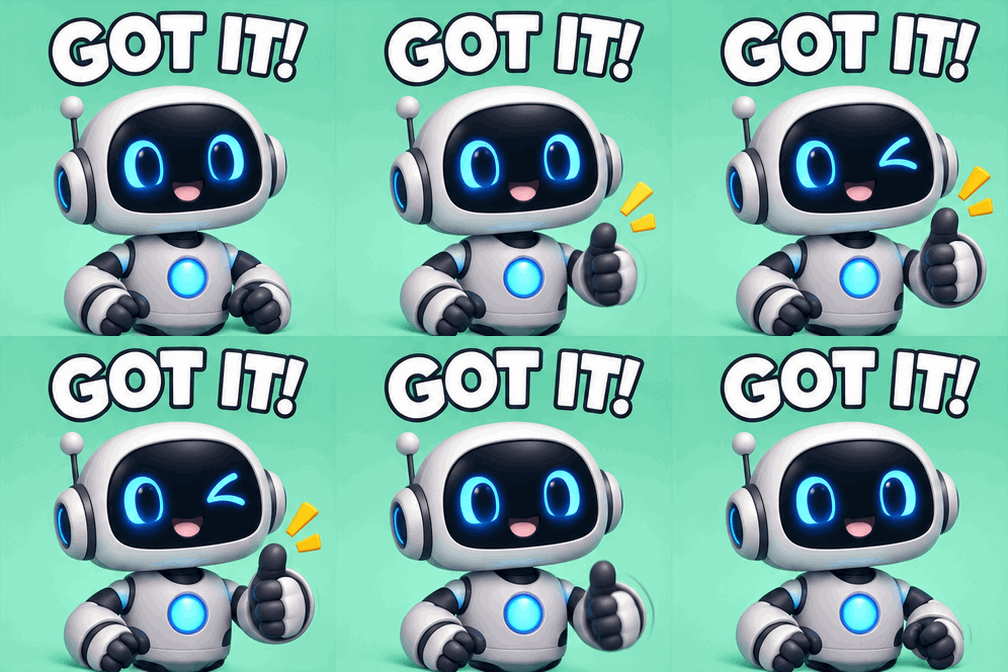
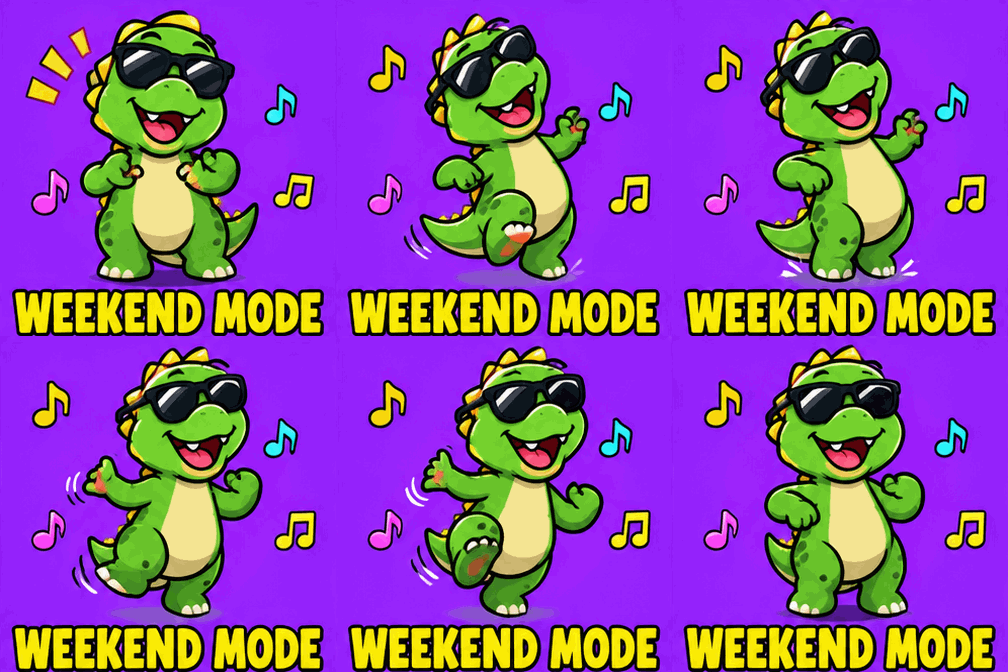

The trend
What is the AI GIF Generator?
Most GIF makers start from a video you already have. This one starts from a sentence. Describe a subject and one movement, such as "a coffee mug that blinks and sways", put any words you want on it in quotes, and GPT Image 2.6 draws a short looping animation and hands it back as a real .gif file.
It works best for the things people actually send: a reaction, a sticker with a caption, a cosy little loop. Each GIF is 9 frames, about two seconds, and loops forever. Words in quotes are lettered as written; keep them to a few words so they read on a phone.
Who to cast
- Reaction GIF for Slack
- Discord emote loop
- Team celebration
- Good morning GIF
- Thank-you GIF
- Cosy pixel-art loop
More apps
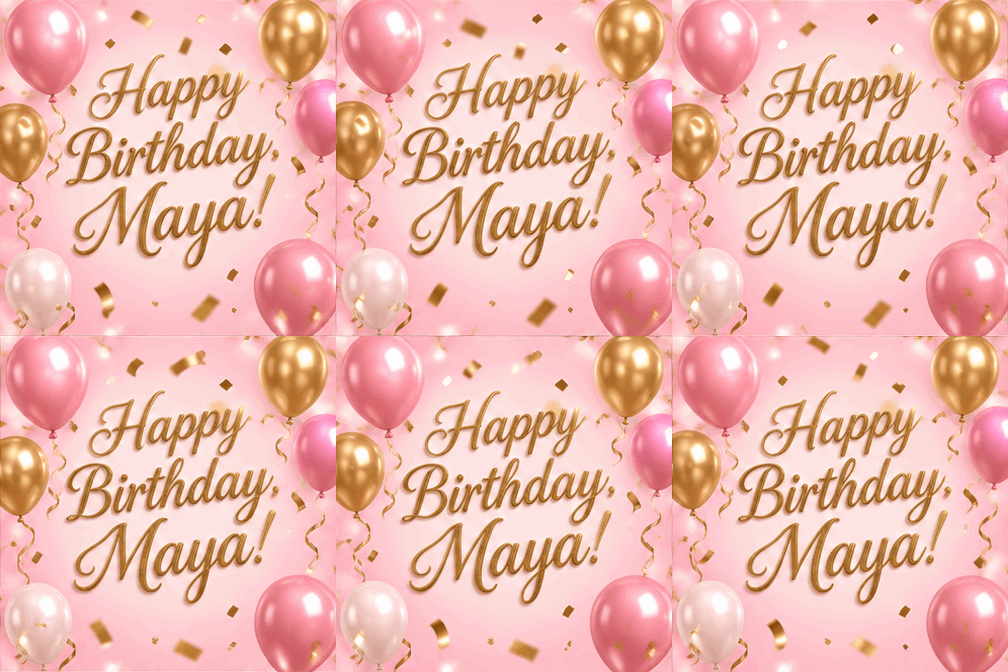
More apps like AI GIF Generator
Same idea, different result. Each opens ready to run.


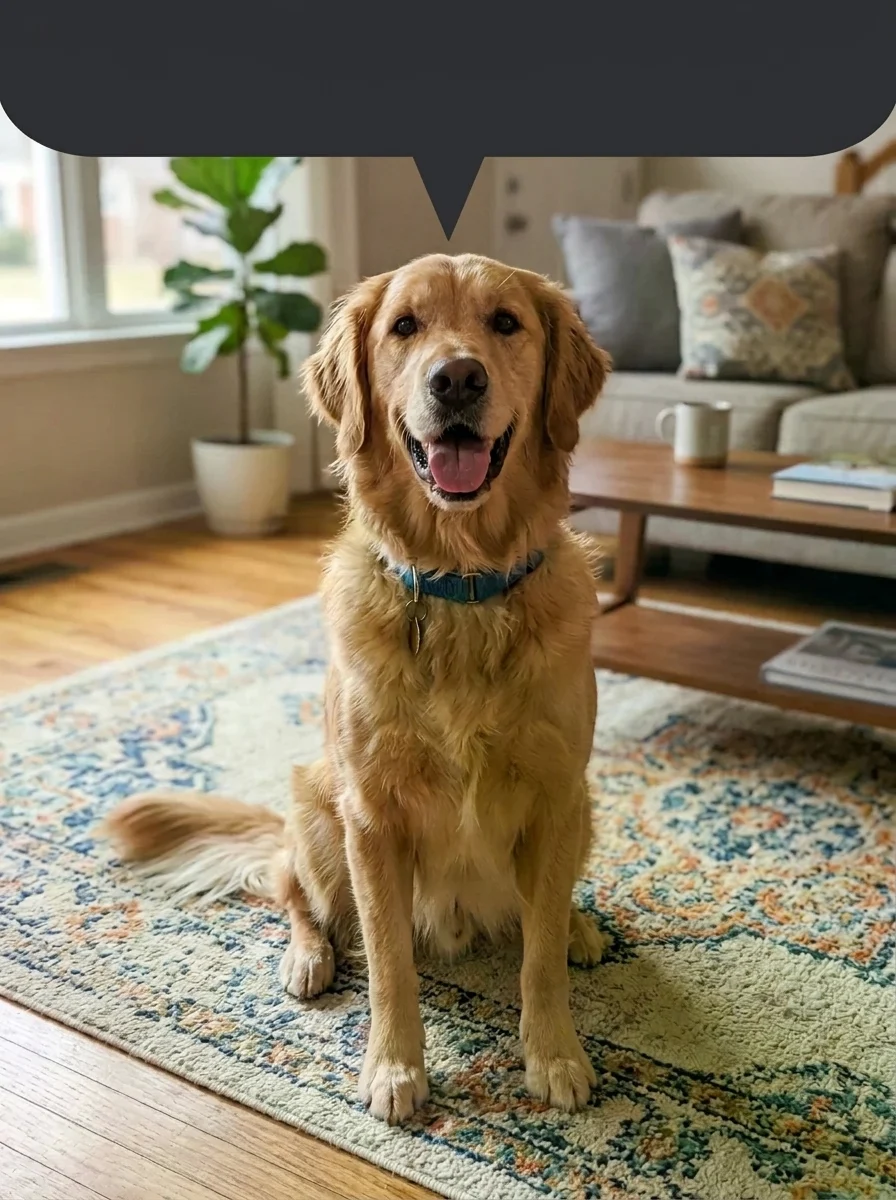
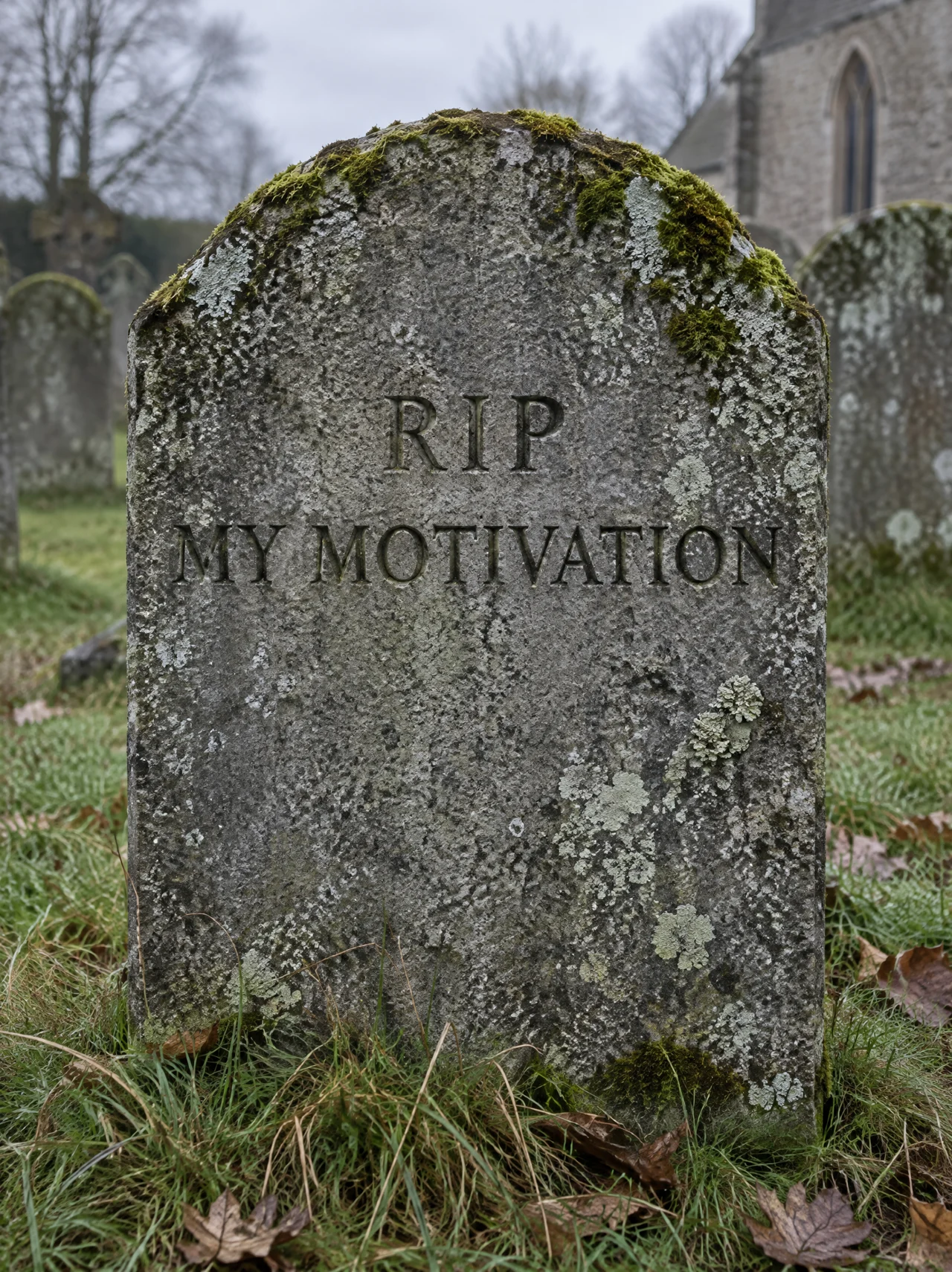
How to use
How the image generator works
- 01
Name the subject and one motion
"A robot gives a thumbs-up and winks." One clear movement that ends where it started loops best.
- 02
Quote the words
Put any caption in quotes, for example "GOT IT!". Ask for the words to stay still so they read cleanly.
- 03
Generate and send
Download the .gif and send it in any chat, or use it on Slack, Discord or a website.
Answers
AI GIF Generator FAQ
Pricing
You pay per generation, never per seat
Credits are shared across everything. You see the cost before each run.
No hidden fees · Cancel anytime · Failed runs refunded · Also on iPhone
Starter
15% OFF$8.3/month$9.9
$100 billed yearly
900 credits per month
- ≈ 45 quick 5s clips
- ≈ 7 Veo 3.1 Lite clips
- ≈ 36 Nano Banana 2 images
- Up to 3 generations at once
- Commercial use license
- All video and image models unlocked
- Native 4K output on supported models
- Video with native audio
- 3 generations at once
- Private generation
- Failed runs refunded automatically
Plus
20% OFFPopular$24/month$29.9
$288 billed yearly
4,500 credits per month
- ≈ 225 quick 5s clips
- ≈ 39 Veo 3.1 Lite clips
- ≈ 180 Nano Banana 2 images
- Up to 3 generations at once
- Commercial use license
- All video and image models unlocked
- Native 4K output on supported models
- Video with native audio
- 3 generations at once
- Private generation
- Failed runs refunded automatically
Pro
40% OFF$30/month$49.9
$360 billed yearly
8,500 credits per month
- ≈ 425 quick 5s clips
- ≈ 73 Veo 3.1 Lite clips
- ≈ 340 Nano Banana 2 images
- Up to 3 generations at once
- Commercial use license
- All video and image models unlocked
- Native 4K output on supported models
- Video with native audio
- 3 generations at once
- Private generation
- Failed runs refunded automatically
Try AI GIF Generator now
Make the GIF. The look is set; add your photo and the result is a few minutes away.